TextSniper is an essential desktop Mac OCR app, effortlessly extracting non-searchable text from any screen area. It revolutionizes digital workflow by making inaccessible text editable and searchable, even offering text-to-speech. Optimized for modern Macs, it stands out as a productivity powerhouse in macOS Media & Design, simplifying complex tasks with precision and speed.

Download
2 versions
Download Now
1.13.0 · FREE · Universal
- Size
- 7.3 MB
- Requires
- Universal
- Architecture
- Universal
- Features
- Screenshots 3
- Whats new?
- Screen Text Extraction: Instantly capture and digitize any non-searchable text directly from your Mac's screen with unparalleled accuracy.
- Advanced OCR Technology: Leverage robust Optical Character Recognition to convert static images and PDFs into editable, searchable text effortlessly.
- Text-to-Speech Output: Transform extracted text into spoken words, enhancing accessibility and allowing for hands-free information consumption on your Mac.
- Seamless Workflow Integration: Integrate TextSniper effortlessly into your daily tasks, streamlining text capture and boosting productivity across applications.
- Instant Text Recognition: Quickly recognize and copy text from images, videos, or protected documents with a simple drag-and-select action.
- Intuitive User Interface: Enjoy a clean, minimalist design that makes text extraction simple and accessible for users of all technical levels.
- Multilingual Text Support: Accurately recognize and extract text in multiple languages, making it a versatile tool for global users.
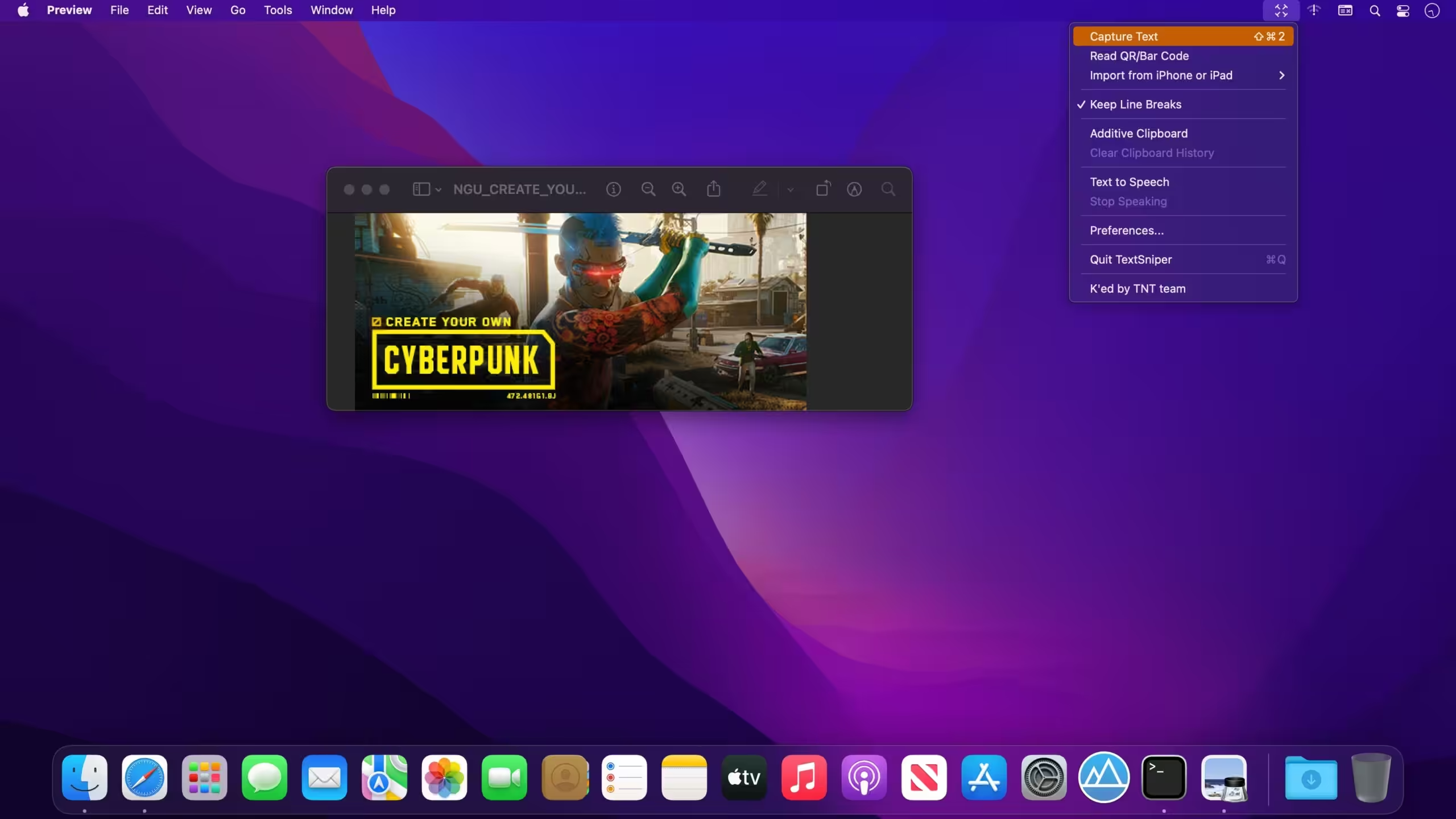
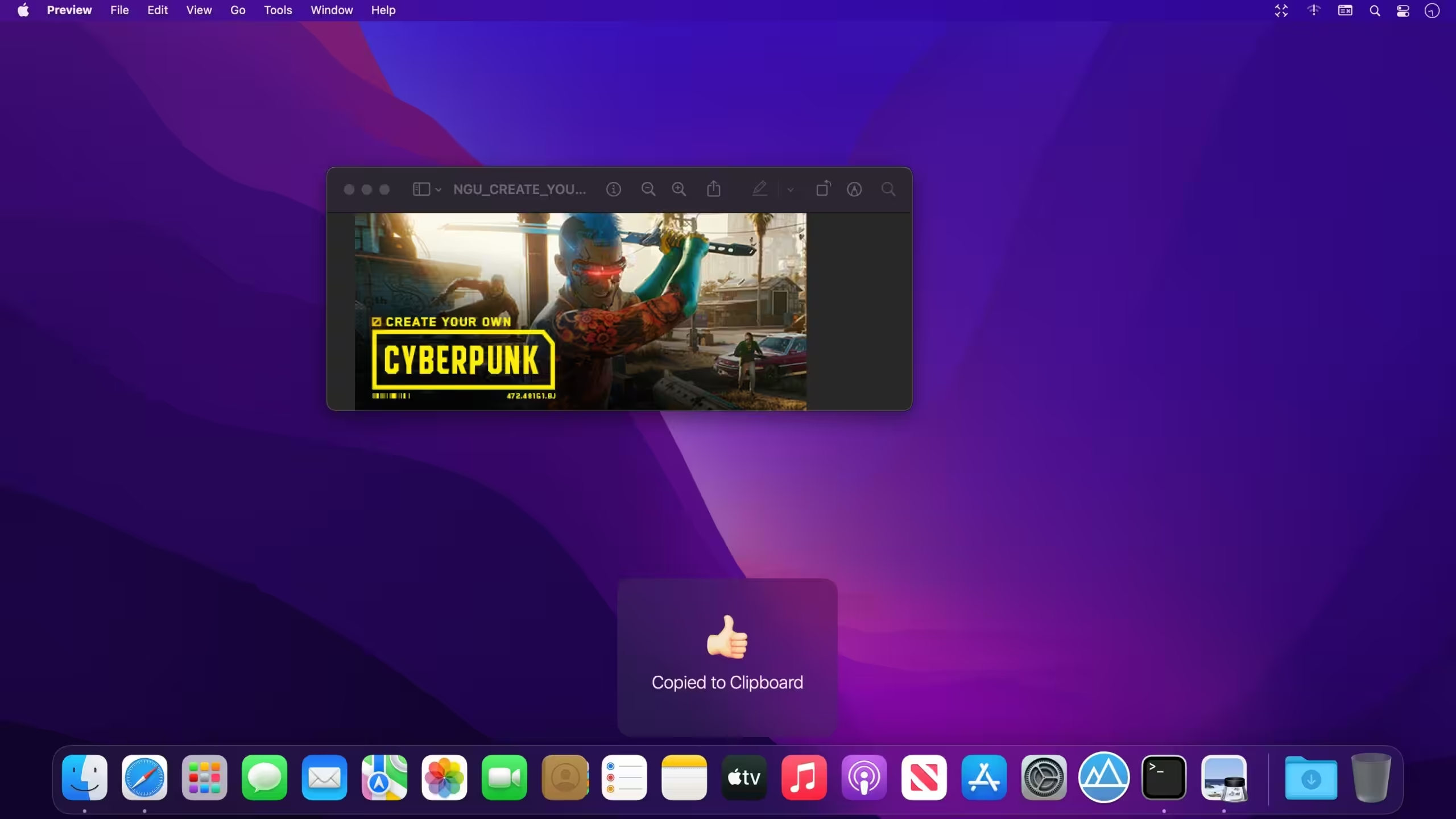
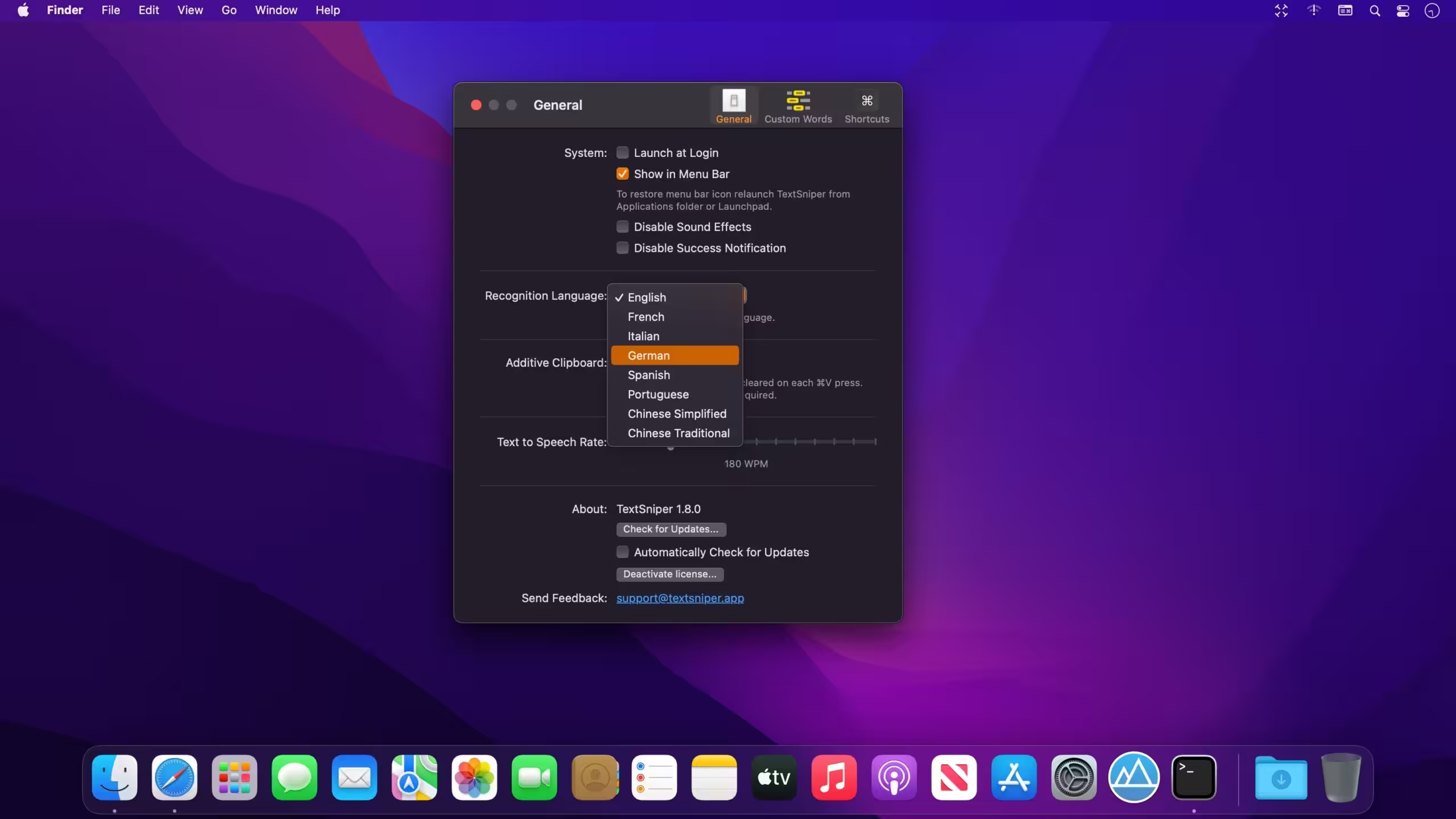
What's New in Version 1.13.0
- Support for the macOS Sonoma.
- New languages. Recognize Cantonese Traditional, Cantonese Simplified, Thai and Vietnamese under macOS Sonoma. The total number of supported languages has now increased to sixteen.
- Added automatic language detection to simplify multilingual text extraction. No need to switch between languages. Works on macOS Ventura and later.
- Added option to open links when capturing text or scanning QR codes automatically. Please proceed to the TextSniper Preferences > General tab to activate this option.
- Added a keyboard shortcut to activate capture text mode with text-to-speech option enabled. Proceed to Preferences > Shortcuts to set a global shortcut.
Older versions & Compatibility
Running macOS Catalina, Big Sur, Monterey, or Ventura? Download tested builds for Intel and Apple Silicon.
-
1.13.0 LatestOct 15, 2026 · 7.3 MB · Universal
-
1.12.0 ArchivedOct 15, 2026 · 7.3 MB · Universal
Verified secure servers
Official Website






No comments yet
Share whether this build worked on your Mac, on which macOS version, and your tips.