
Screenshots

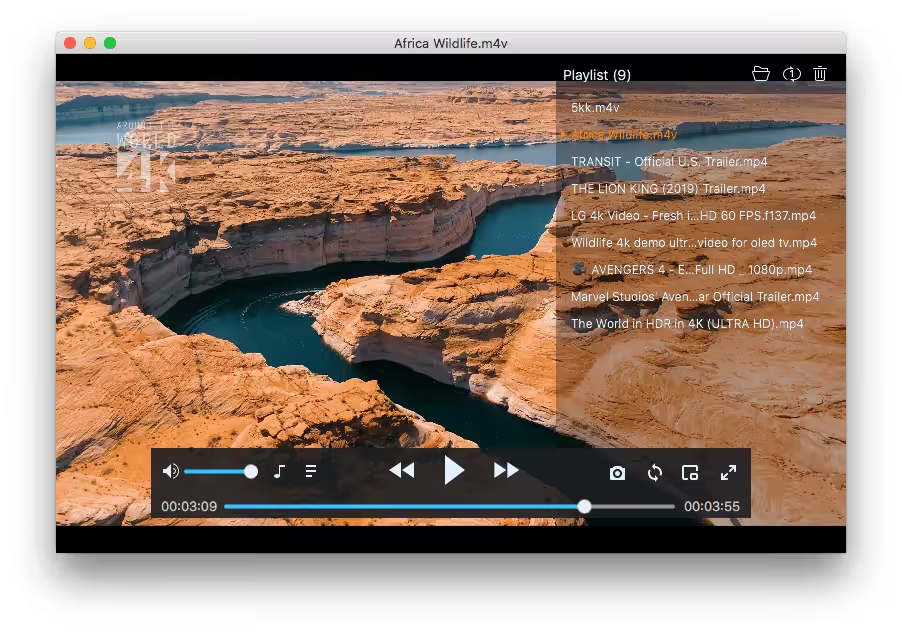
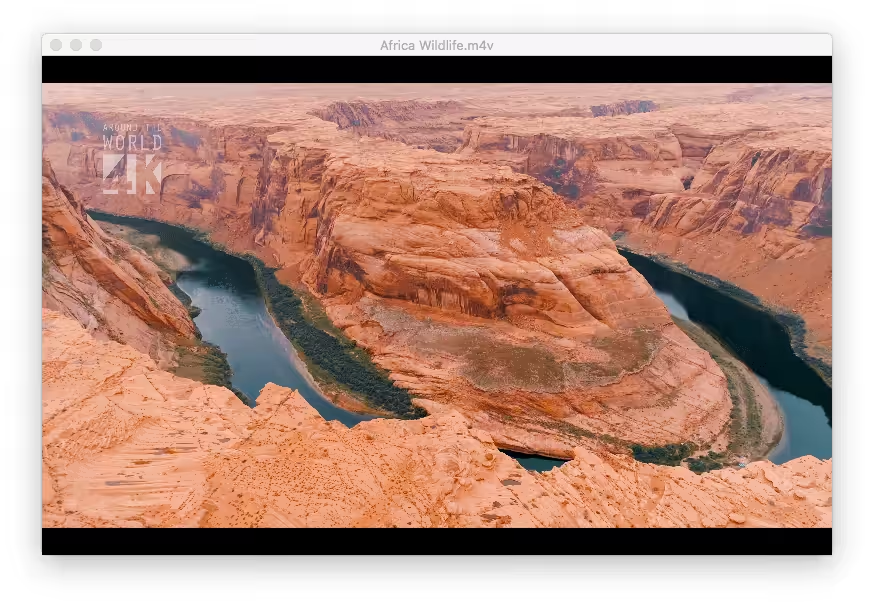
Cisdem Video Player is a video and audio player that supports almost any media file (Including 5K and Full HD 1080P video) with no additional codecs or plugins needed. It delivers a better HD video playing experience without buffering or crashes. You can load subtitle files automatically and add subtitle files easily. Supporting more than fifty formats, it stands out in the crowd of other media players.
Features
- Support almost all video and audio files: QuickTime won’t play the video/audio? Play in Cisdem Video Player and put an end to the compatibility issues. Cisdem Video Player supports almost all video and audio formats, such as MP4, H.264/MP4 AVC, H.265/HEVC, AVI, MKV, MOV, WMV, MPG, M4V, TS, MTS, M2TS, AVCHD, MXF, RM, RMVB, ASF, 3GP, F4V, FLV, VOB, ISO, DIVX, MP3, M4A, WMA, AAC, FLAC, WAV, OGG, AC3, APE, DTS, MID, MKA, MP2, MPA, TTA, etc.
- Smoothly play 1080p/4k/5k/8k videos: Cisdem Video Player is optimized for HD and UHD videos, including 1080P, 4k, 5k, and 8k. It plays videos without lagging or stuttering, delivers stunning image and audio quality on your high-end Mac display without blurriness, ultimately gives you an outstanding movie-watching experience.
- Fully control over video playback: Imported videos will be automatically added to the playlist, you can play in order, play in a loop or play single in the loop to easily shuffle or repeat the playback. As a professional video player, Cisdem Video Player provides full control options for the playback, including Play/Pause, Step Forward/Backward, Volume +/-/Mute, Rotate, Full-Screen, Mini-Screen, Incognito Mode, etc. It can also remember your playlist and the playback position.
- Customize video playback and take screenshots: Cisdem Video Player loads embedded subtitles automatically and also allows adding external subtitles, it can associate subtitle files under the same directory smartly. With its multiple audio support, you can seamlessly switch between different soundtracks from the source media file. You can take screenshots of your favorite scene as well.
- Unlock conversion feature to play videos on other devices: Cisdem Video Player is completely free for media playback, but it offers a Pro version with a conversion feature to let you play video/audio on different devices, not only on Mac. It can convert multimedia files to desired formats for different devices, such as MP4, M4V, MKV, MOV, AVI, MP3, M4A, iPhone, iPad, Android Phones, etc. Just select the format or device you want from the list and get it.
What's New
November 12, 2026- Support importing folder.
- Auto associate subtitle files.
- Support rotation and flip.
Recent posts
See all ›
Aberrant DSP Digitalis v
v1.0 · Updated Nov 24, 2026

motionVFX – mPrism for Final Cut Pro
v2 · Updated Nov 24, 2026

Ammonite
v1.23.1 · Updated Nov 24, 2026
PopDo 2021.2.8
v2021.2.8 · Updated Nov 24, 2026

SQLPro for SQLite 2022.28
v2022.28 · Updated Nov 24, 2026

Noir – Dark Mode for Safari 2026.2.4
v2026.2.4 · Updated Nov 24, 2026
Version history
Oct 17, 2026 · 21.0 MB
More apps for you
See all Media & Design ›





Ratings & Reviews
(1 rating)Reportar Enlace Caído
Cisdem Video Player · v6.0.0
¡Reporte Enviado con Éxito!
Hemos notificado al equipo técnico. Revisaremos el enlace y lo actualizaremos a la mayor brevedad.