Adobe Photoshop 2026 v27.6.0 is the industry-standard for digital image processing and graphic design, offering an unparalleled suite of professional retouching and creative tools. Optimized for Apple Silicon, it empowers macOS users to craft stunning photographs, illustrations, and web designs with inspiring precision. It truly stands out as an essential tool in macOS Media & Design.
Download
5 versions
Download Now
2026 v27.6.0 · FREE · Universal
All older versions
- Size
- 10.5 GB
- Requires
- Universal
- Architecture
- Universal
- Features
- Screenshots 3
- Whats new?
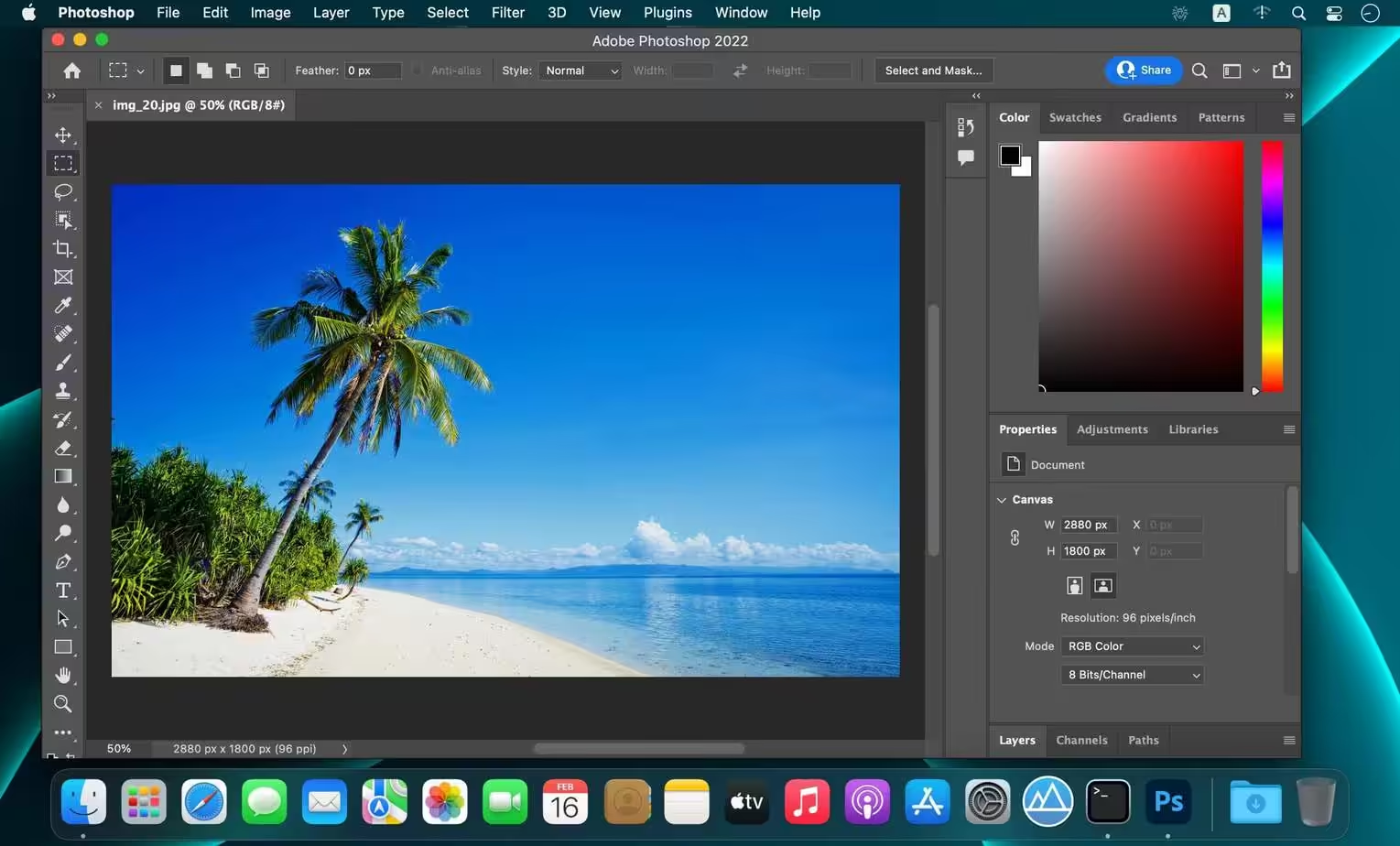
- Professional Retouching Suite: Access industry-leading tools for precise image correction, enhancement, and advanced photo manipulation with unparalleled control.
- Comprehensive Graphic Design: Create stunning visuals for web, mobile, print, and 3D art using a vast array of powerful design capabilities.
- Advanced Selection & Masking: Effortlessly select complex objects, refine edges, and create intricate masks for seamless compositing and precise adjustments.
- AI-Powered Enhancements: Utilize Adobe Sensei AI for intelligent selections, content-aware fills, and automated creative suggestions that boost productivity.
- Non-Destructive Workflow: Experiment freely with layers, masks, and smart objects, ensuring your original image data remains safe and editable.
- Cloud & Collaboration: Seamlessly access, store, and share your creative assets across devices and collaborate efficiently with Creative Cloud integration.
- Optimized for Apple Silicon: Experience blazing-fast performance, enhanced efficiency, and native support on the latest macOS Apple Silicon Mac computers.
What's New in Version 2026 v27.6.0
Select Subject cloud service:
- Get finer and better quality image selections with our new Select Subject cloud service and push your creative boundaries.
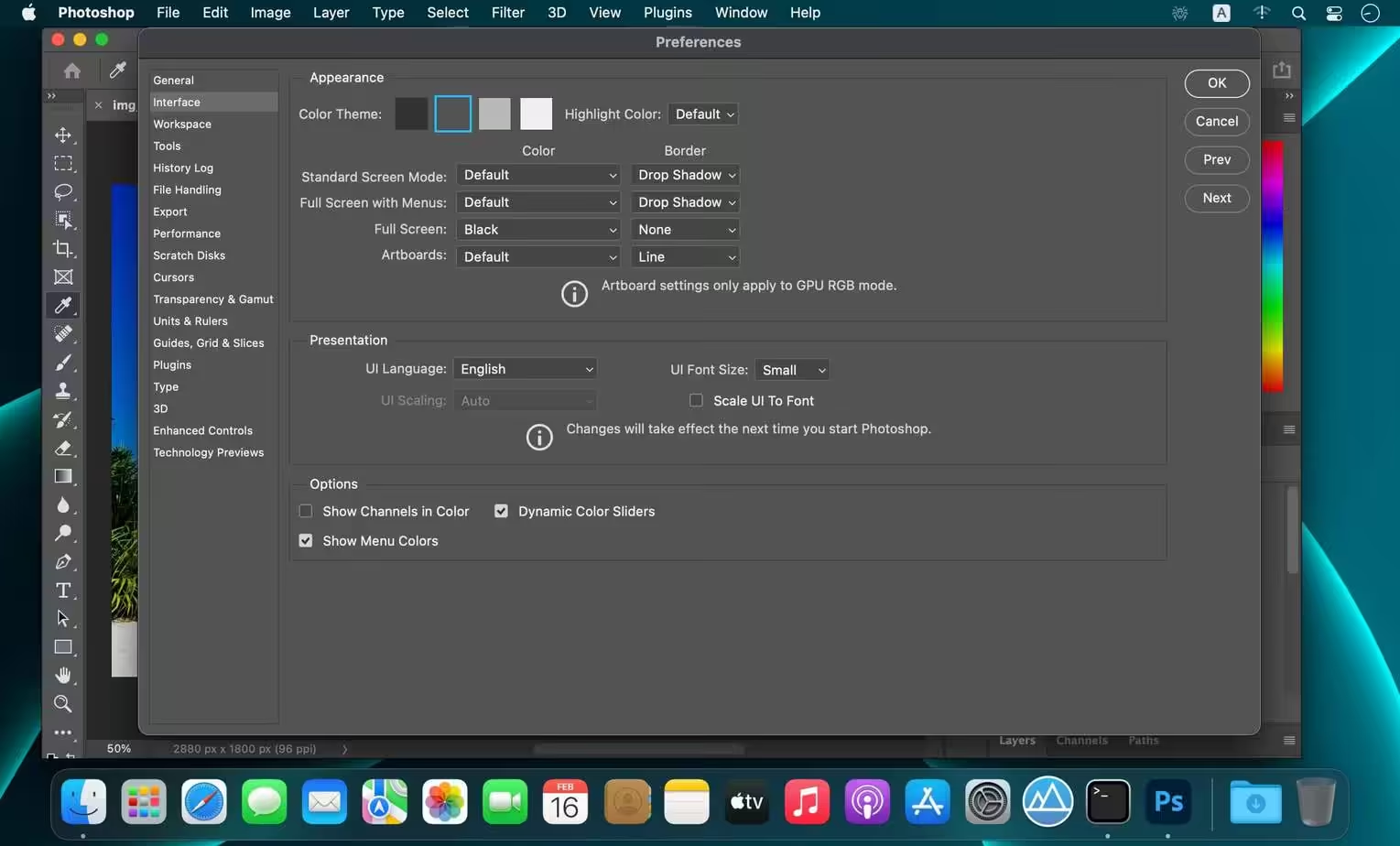
- Neutral color mode UI settings: Set neutral colors for user interface elements within the Photoshop application frame (such as the Share button).
- Preferences search for Windows: Type keywords in the search bar available in the Preferences dialog box and find relevant results on your Windows machine just like on Mac.
Other enhancements:
- Boost your creative workflows with improved Harmonization neural filter and precise previews for 16-bit documents.
Fixed issues:
- Several crash reports fixed through Photoshop beta usage
- Program error when using Content aware fill on 16-bit images
- Use of Clone stamp or Healing brush tool causes program error
- 23.4.x may throw error when using Select and Mask workspace for Actions
- Photoshop is slow to save larger files and disabling compression doesn’t increase save performance
- Rotating type using free transform also scales the type
- In 32-bit images, Exposure adjustment layer turns unmasked areas black
- SVG image data does not copy and paste properly
- Performance fixes when using Curves while zoomed in
- Type selection frame is not linked to the type being edited
- On Windows, image file size doesn’t change when overwriting files using Export As
- Changing Mixer Brush size incorrectly loads foreground color
- Pressing CMD+0 no longer leaves a workspace margin outside the image window
- Group created by pasting Illustrator content gets renamed when adding new layers to document
- Shapes change size when duplicated and moved
- Performance fixes for toggling layer visibility and zooming with Large documents with many layers
- When saving documents with no assigned color profile, no longer able to Assign color profile using “Embed Color Profile” option
Older versions & Compatibility
Running macOS Catalina, Big Sur, Monterey, or Ventura? Download tested builds for Intel and Apple Silicon.
-
2026 v27.6.0 LatestOct 06, 2026 · 10.5 GB · Universal
-
2026 v27.1.0 ARM ArchivedOct 06, 2026 · 10.5 GB · Universal
-
2025 v26.6.0 Intel ArchivedOct 06, 2026 · 10.5 GB · Universal
-
2025 v26.11.0 ArchivedOct 06, 2026 · 10.5 GB · Universal
-
2024 v25.12.0 ArchivedOct 06, 2026 · 10.5 GB · Universal
Verified secure servers
Official Website

No comments yet
Share whether this build worked on your Mac, on which macOS version, and your tips.