Screenshots
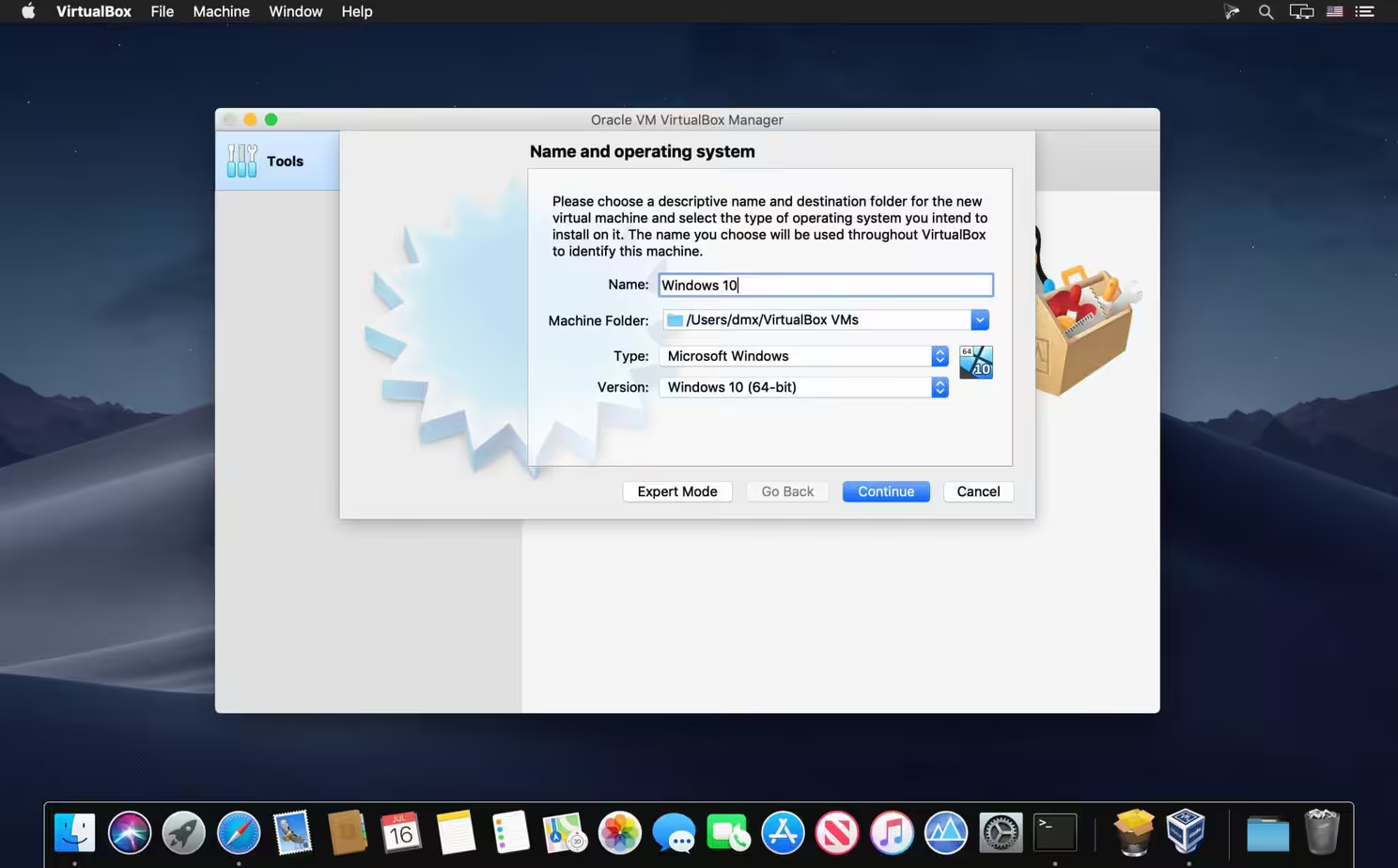
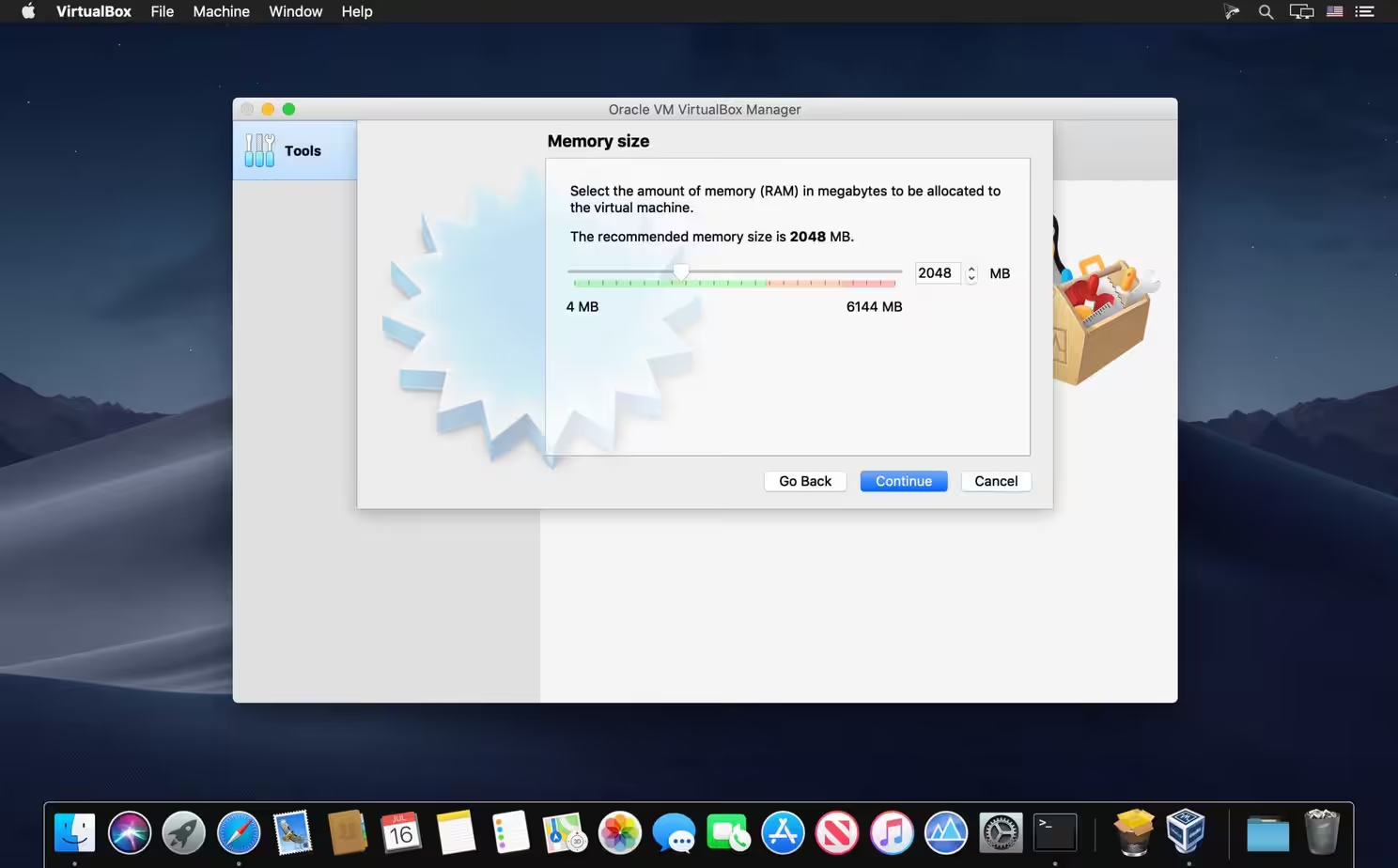
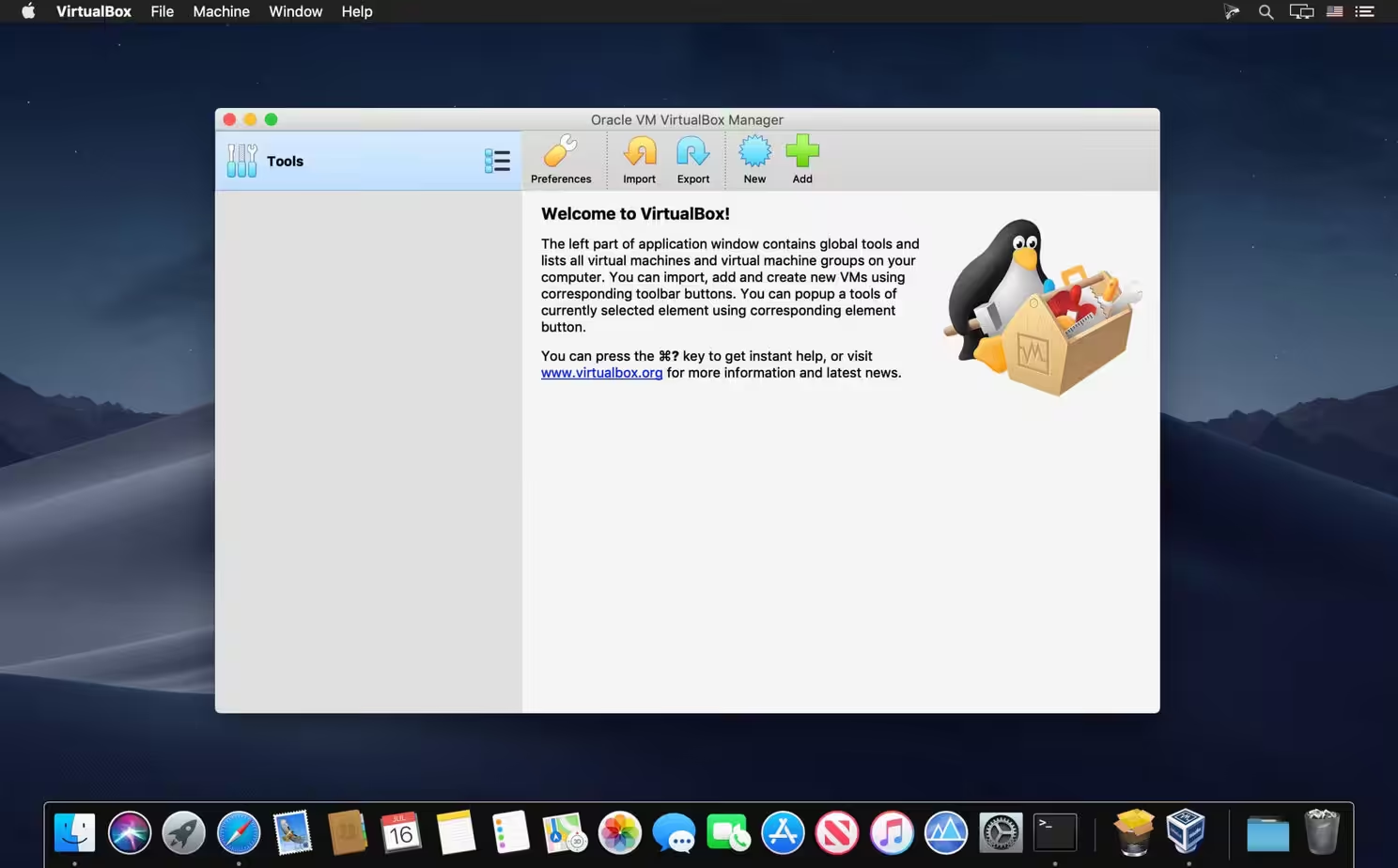
Oracle VM VirtualBox is an open-source and cross-platform virtualization utility that makes it possible to extend your computer’s capabilities so that it can be used to run a large number of operating systems (inside multiple virtual machines), using the same hardware you use for your daily tasks.
Features
Thus, with the help of Oracle VM VirtualBox, users can easily run Windows and Linux applications on a Mac, run Windows Server 2008 on a Linux server, run Linux programs on a Windows-based PC, and so on.
Moreover, Oracle VM VirtualBox is designed to enable you to install and run as many operating systems as you need on as many virtual machines as you require.
The only physical and practical limitations in the number of virtualised OSs and virtual machines that you can run at the same time are your computer’s limited memory and disk space.
Virtualise any OS on embedded, desktop, or cloud-based environmentsMore importantly, the Oracle VM VirtualBox virtualisation app is very simple to use, yet it also packs a vast selection of powerful tools and features, making it easy for one to run it on almost any platform, from small desktop-class machines and embedded systems, all the way up to massive data centres and even Cloud-based environments.
Oracle VM VirtualBox’s most significant advantage is that it can run software from other operating systems on hosts running Mac OS X, Windows, Linux, and Solaris.
Support for a diverse range of OSs and a large variety of virtualisation usesThus, Oracle VM VirtualBox comes with extensive support for a substantial number of guest operating systems including, but absolutely not limited to, Mac OS X (10.5 or later), DOS/Windows 3.x, Linux (2.4 and 2.6), Windows (NT 4.0, 2000, XP, Server 2003, Vista, Windows 7), Solaris and OpenSolaris, OpenBSD, and OS/2.
Besides effortlessly virtualising a large assortment of operating systems on any platform, Oracle VM VirtualBox can also be used for installing and configuring a virtual appliance, as well as testing software within a controlled and easily adjustable platform.
As an added bonus, if needed, Oracle VM VirtualBox can also be used to drastically reduce energy and hardware costs by using the same computers to run multiple computing platforms on the same physical hardware.
Powerful and open source virtualisation solutionOn the whole, Oracle VM VirtualBox should be the virtualisation software of choice for anyone with a focus on open source solutions.
Furthermore, although it is a community-driven project, Oracle VM VirtualBox is designed to provide you with all the tools you may need to successfully virtualise almost any operating system on a vast array of hardware.
What's New
October 22, 2026- VMM: Fixed guru running the FreeBSD loader on older Intel CPUs without unrestricted guest support
- GUI: Fixed virtual machines grouping when VM was created or modified in command line
- GUI: Introduced generic changes in settings dialogs
- VirtioNet: Fixed broken network after loading saved state
- Storage: Added support for increasing the size of the following VMDK image variants: monolithicFlat, monolithicSparse, twoGbMaxExtentSparse, twoGbMaxExtentFlat
- VBoxManage: Added missing –directory switch for guestcontrol mktemp command
- Mouse Integration: Guest was provided with extended host mouse state
- DnD: Introduced generic improvements
- Guest Control: Fixed handling creation mode for temporary directories
- Linux Host and Guest: Added initial support for building UEK7 kernel on Oracle Linux 8
- Linux Host and Guest: Added initial support for RHEL 9.1 kernel
Recent posts
See all ›
Duplicate Finder and Remover
v2.0 · Updated Nov 24, 2026
Blocs 4.5.0 (450) Beta
v4.5.0.450 · Updated Nov 24, 2026

SQLPro for SQLite 2022.24
v2022.24 · Updated Nov 24, 2026

Claydo – Easy 3D Modelling
v1.7 · Updated Nov 24, 2026

Focusplan Pro
v1.6.13 · Updated Nov 24, 2026

Sip 4.0.0
Updated Nov 24, 2026
Version history
Oct 22, 2026 · 127.5 MB
More apps for you
See all System Utilities ›





Ratings & Reviews
(1 rating)Reportar Enlace Caído
VirtualBox · v7.2.16
¡Reporte Enviado con Éxito!
Hemos notificado al equipo técnico. Revisaremos el enlace y lo actualizaremos a la mayor brevedad.