
Screenshots
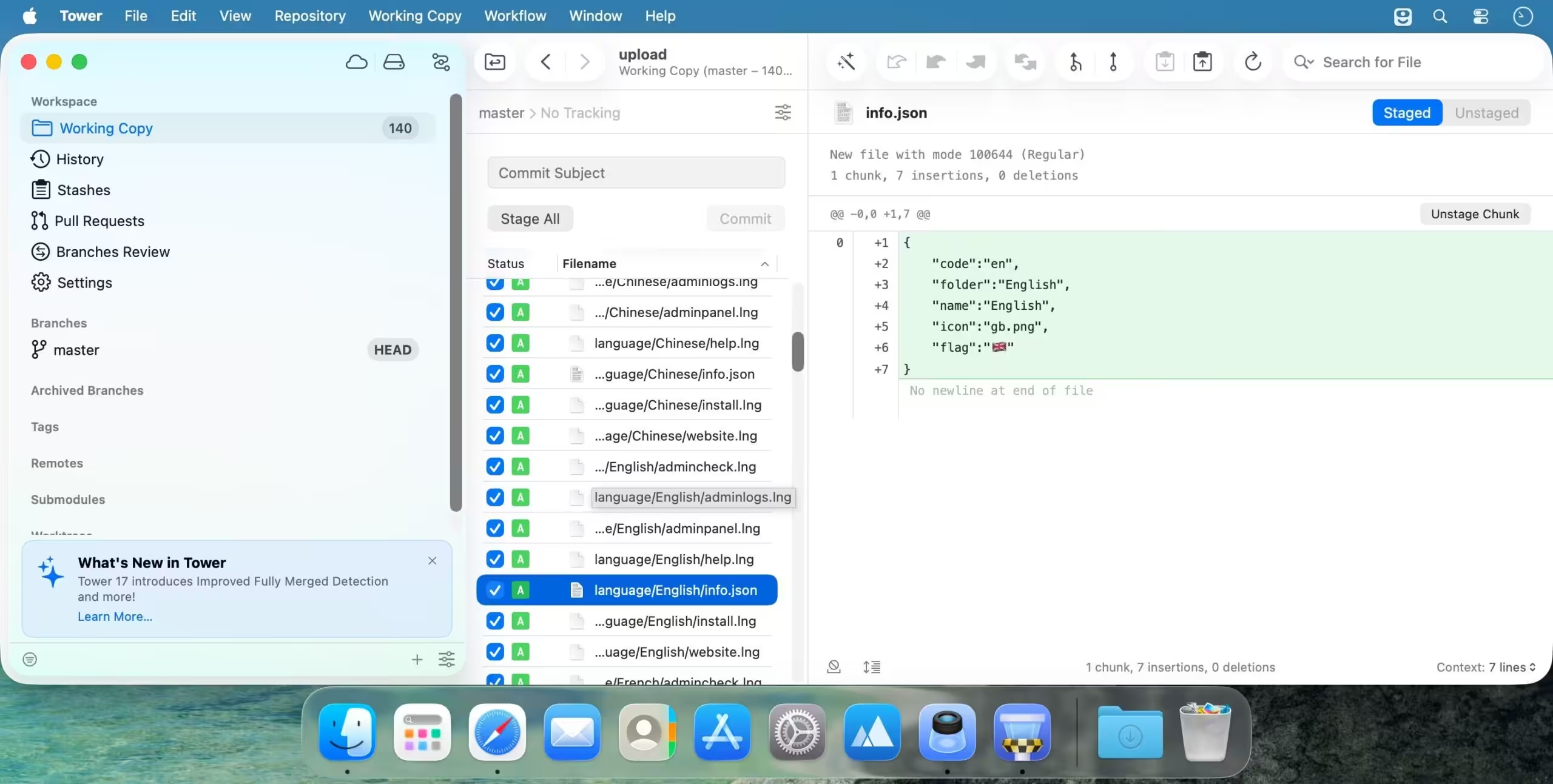
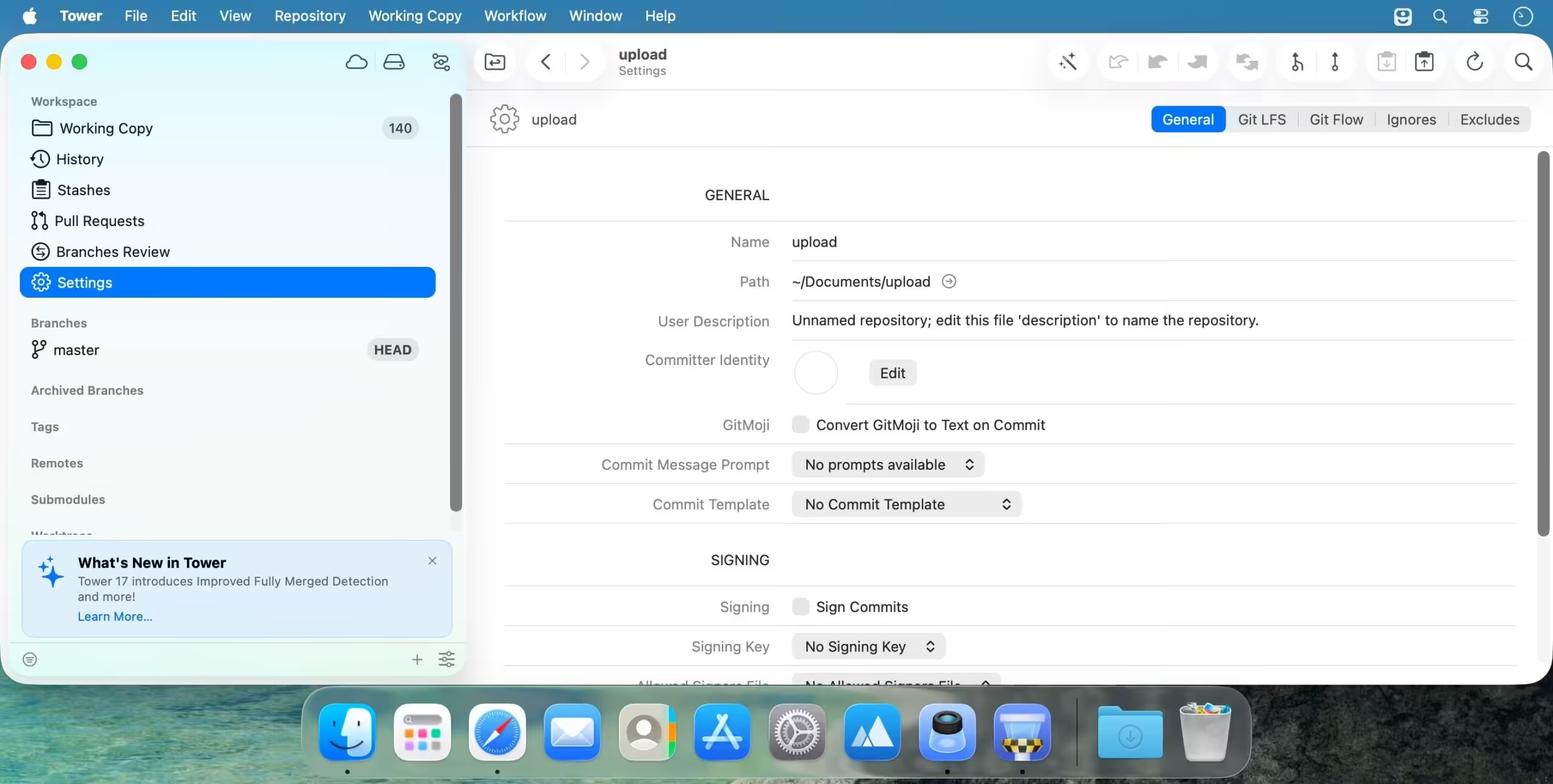
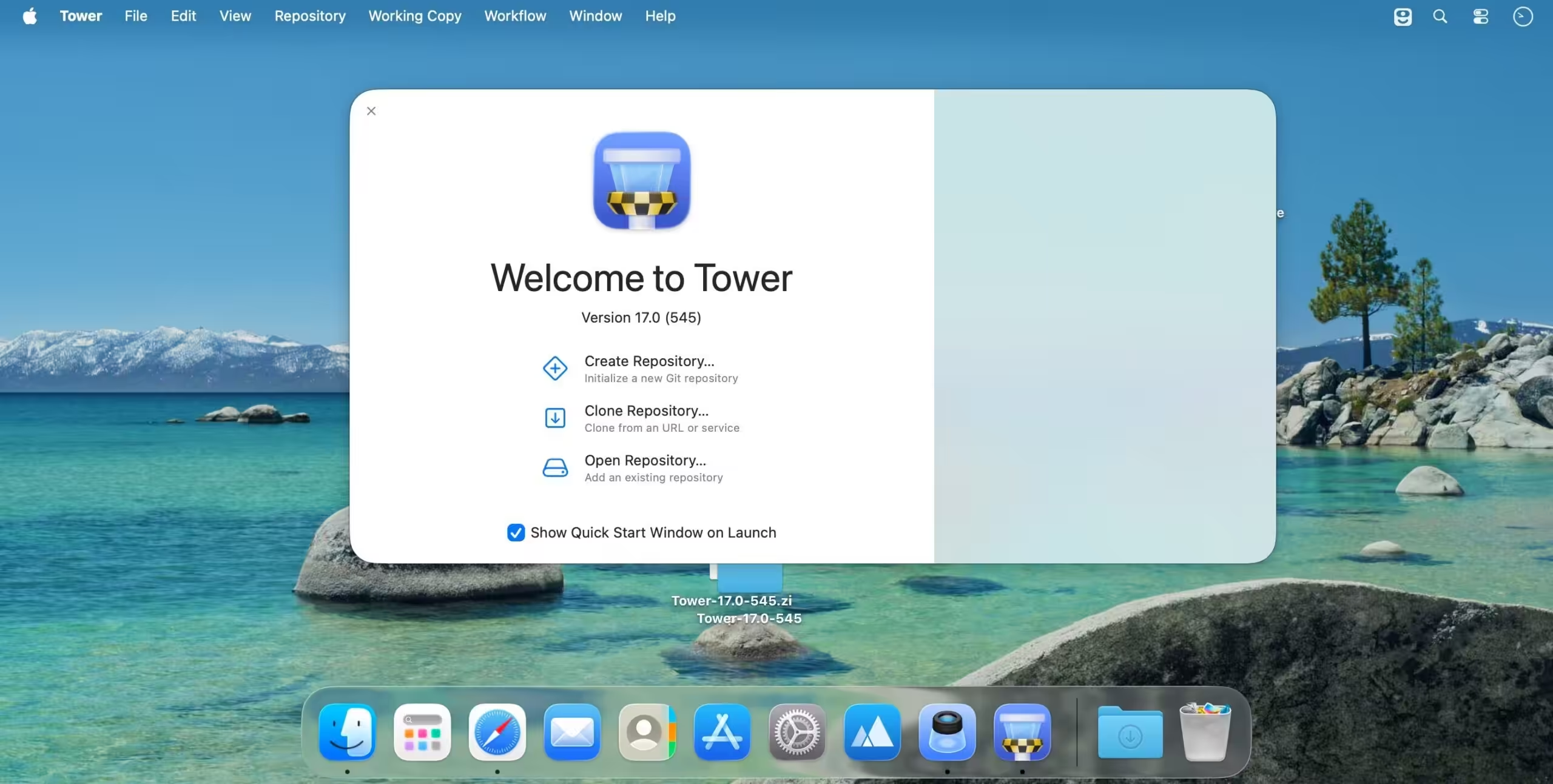
Tower is a powerful yet intuitive Git client for macOS that transforms how you work with version control. Whether you’re a beginner overwhelmed by Git’s command line or an advanced developer looking to work faster, Tower’s elegant interface and thoughtful feature set help you harness Git’s full potential without the friction.
Features
Simplicity meets power. Tower strips away Git’s complexity through an approachable visual interface where common workflows—like merging, rebasing, and pushing changes—are just a drag-and-drop away. Undo mistakes instantly, stage changes line-by-line for precision commits, and explore your project’s history without ever touching the terminal.
Advanced users gain serious productivity wins with features like cherry-picking, submodule management, git-flow support, and git-lfs integration. Single-line staging lets you craft perfectly crafted commits. The blame view and file history give you complete visibility into how your code evolved.
Comprehensive Integration & SupportTower connects seamlessly with GitHub, Bitbucket, GitLab, GitSwarm, Beanstalk, Visual Studio Team Services, Team Foundation Server, and Rhodecode—so your workflow fits your platform, not the other way around. It even handles legacy workflows with git-svn support, and scales beautifully across Retina displays and full-screen modes.
Key Features at a Glance- Drag-and-drop merge, rebase, and branch management
- Line-by-line staging and committing for surgical precision
- Cherry-picking, stashing, and discard chunks/lines
- Submodule and git-lfs support
- Git-flow and git-svn integration
- File history and blame view
- Direct integration with major Git hosting platforms
- Bitbucket team account support
What's New
October 27, 2026- Fully Merged Detection: Tower now matches your local branches against merged pull requests from your hosting service — reliably catching squash and rebase merges that plain Git can never see! PR detection is available as a free Preview and will become part of Tower Pro in an upcoming release.
- Fully Merged Detection: Three further checks complete the picture: Git’s own merge detection, merge commit analysis (branch name and matching timestamps), and deleted remote tracking branches.
- Fully Merged Hint: The redesigned hint shows exactly which checks matched, with direct links to the merge commit or pull request — so you can verify before deleting. Prefer to keep a branch around?
- Hide the hint for that branch via “Don’t Show Again”.
- Branch Cleanup: Branch cleanup hints now include an Archive action.
Recent posts
See all ›
Nevercenter CameraBag Pro
v2022 · Updated Nov 24, 2026

GraphicConverter 11.6.1 (5483)
v11.6.1.5483 · Updated Nov 24, 2026

GraphicConverter 11.6.1 (5482)
v11.6.1.5482 · Updated Nov 24, 2026

GraphicConverter 11.6.1 (5481)
v11.6.1.5481 · Updated Nov 24, 2026

Adobe After Effects 2022 v22.1.1
v2022.22.1.1 · Updated Nov 24, 2026

Noir – Dark Mode for Safari 2026.2.4
v2026.2.4 · Updated Nov 24, 2026
Version history
Oct 27, 2026 · 82 MB
More apps for you
See all Developer Tools ›




Ratings & Reviews
(1 rating)Reportar Enlace Caído
Tower Pro · v17.0
¡Reporte Enviado con Éxito!
Hemos notificado al equipo técnico. Revisaremos el enlace y lo actualizaremos a la mayor brevedad.