Temperature monitoring, fan control & diagnostics for all Macs. Extend the life of your Mac with TG Pro, whether you have an older iMac or a new 16-inch MacBook Pro. Quickly view CPU, GPU, logic board, or hard drive temperatures, check battery health, and other hardware diagnostics.

Download
2 versions
Download Now
2.104 · FREE · Universal
All older versions
- Size
- 12.4 MB
- Requires
- Universal
- Architecture
- Universal
- Features
- Screenshots 2
- Whats new?
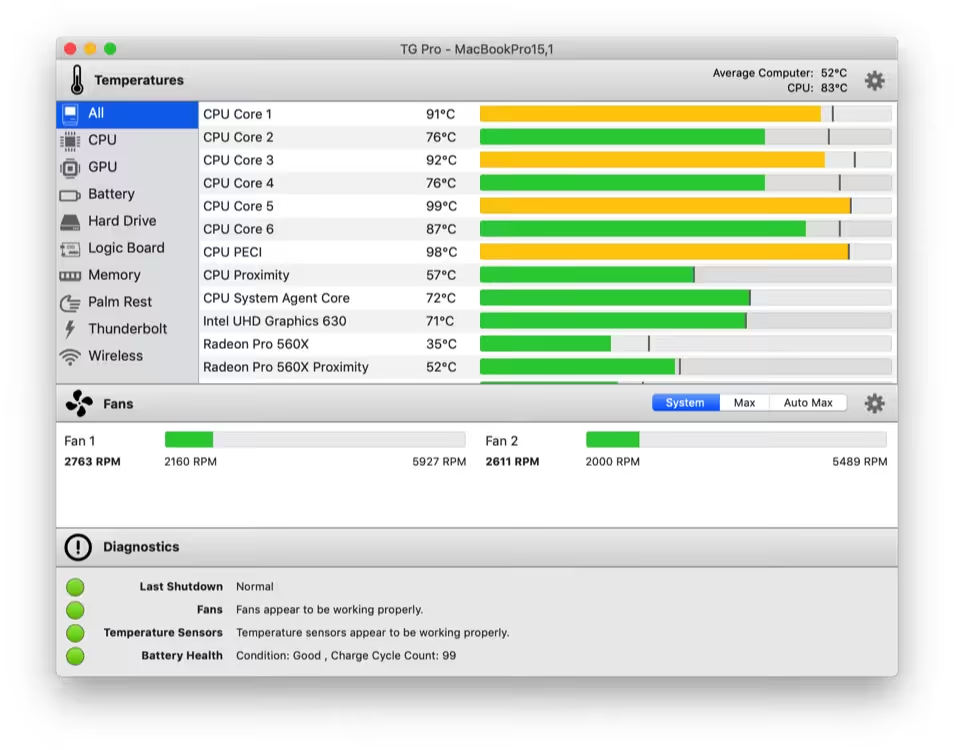
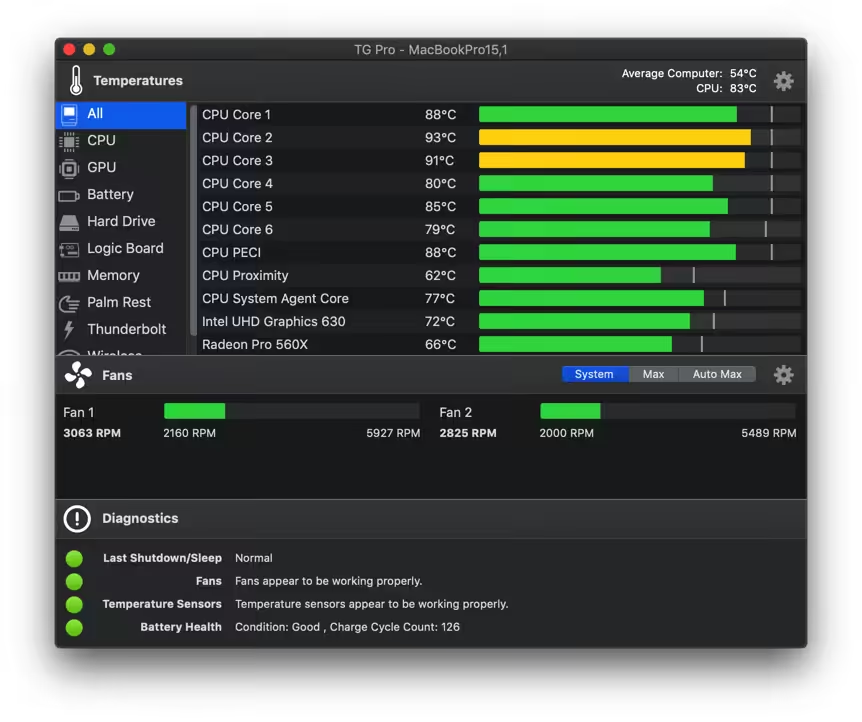
- Check up on your Mac by viewing the current and maximum recorded temperatures for every sensor. Choose between Celsius or Fahrenheit.
- Tune the fan speeds so that your Mac can run cooler with the manual fan control. Or have the fans spin at maximum speed with Auto Boost when a specific temperature is hit.
- Use the status icon to quickly check all temperatures and fans, and even control the speeds directly from the menu.
- Discover faulty fans and temperature sensors with built-in diagnostics.
- Remotely monitor servers by having emails sent instead of local notifications.
What's New in Version 2.104
- [New] Introduced support for the latest Mac Pro (2023) M2 Ultra.
- [Fixed] Addressed an issue that caused an error message to display on macOS 13 when the ‘auto-launch on login’ option was disabled.
Older versions & Compatibility
Running macOS Catalina, Big Sur, Monterey, or Ventura? Download tested builds for Intel and Apple Silicon.
-
2.104 LatestOct 08, 2026 · 12.4 MB · Universal
-
2.103 ArchivedOct 08, 2026 · 12.4 MB · Universal
Verified secure servers
Official Website






No comments yet
Share whether this build worked on your Mac, on which macOS version, and your tips.