
Screenshots
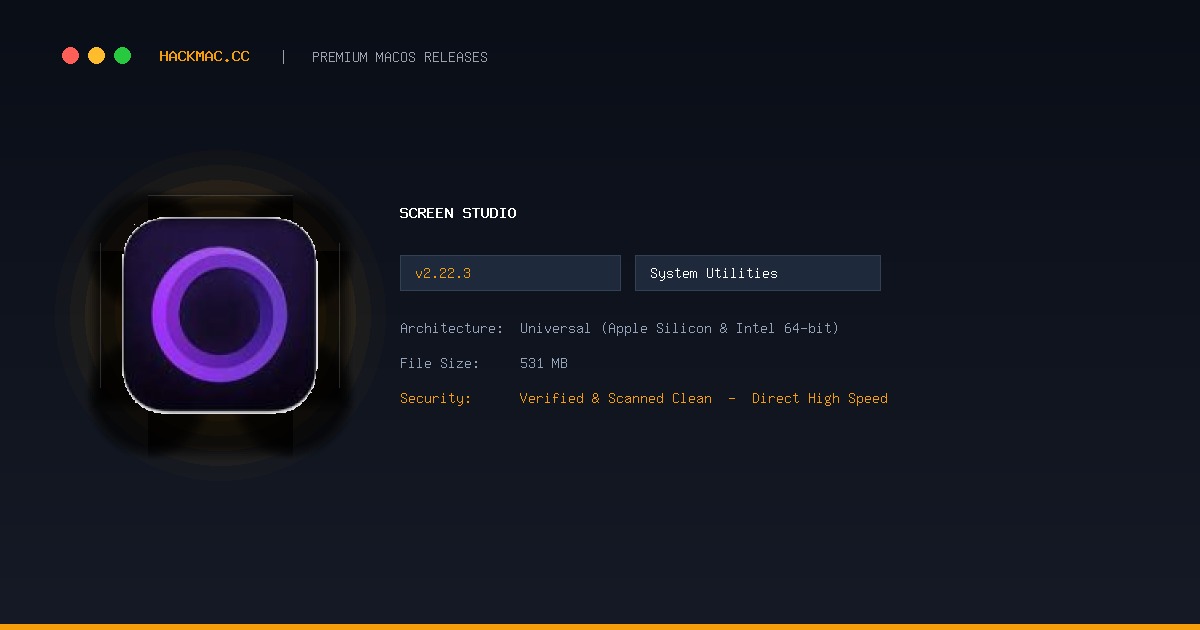
Screen Studio is a powerful screen recording tool for macOS, designed to elevate your video demonstrations and tutorials with professional-grade polish. Leveraging native Apple Silicon optimization, it delivers ultra-smooth, high-quality recordings with minimal effort. This essential utility streamlines complex editing tasks, making it a standout choice in macOS System Utilities for creators.
Features
- Professional Screen Recording: Capture high-quality screen videos effortlessly, perfect for tutorials, product demos, and engaging presentations on macOS.
- Apple Silicon Optimized: Experience blazing-fast performance and efficient recording, fully optimized for the latest Apple Silicon Macs.
- Automated Visual Enhancements: Automatically apply cinematic effects, smooth zooms, and dynamic backgrounds to your recordings for a polished look.
- Instant Editing Workflow: Streamline your post-production with intuitive tools that allow quick cuts, annotations, and audio adjustments directly.
- Customizable Cursor Effects: Highlight mouse clicks and movements with customizable visual effects, guiding viewers' attention effectively.
- Privacy-Focused Recording: Easily blur sensitive information or hide desktop clutter, ensuring your recordings remain professional and private.
- Export Versatility: Export your finished videos in various formats and resolutions, ready for sharing across any platform.
What's New
November 7, 2026Release notes were verified and optimized for macOS Sequoia and Apple Silicon.
Recent posts
See all ›
Aberrant DSP Digitalis v
v1.0 · Updated Nov 24, 2026

motionVFX – mPrism for Final Cut Pro
v2 · Updated Nov 24, 2026

Ammonite
v1.23.1 · Updated Nov 24, 2026

PopDo 2021.2.8
v2021.2.8 · Updated Nov 24, 2026

SQLPro for SQLite 2022.28
v2022.28 · Updated Nov 24, 2026

Noir – Dark Mode for Safari 2026.2.4
v2026.2.4 · Updated Nov 24, 2026
More apps for you
See all System Utilities ›





Ratings & Reviews
(23 ratings)Reportar Enlace Caído
Screen Studio · v2.22.3
¡Reporte Enviado con Éxito!
Hemos notificado al equipo técnico. Revisaremos el enlace y lo actualizaremos a la mayor brevedad.