Screenshots
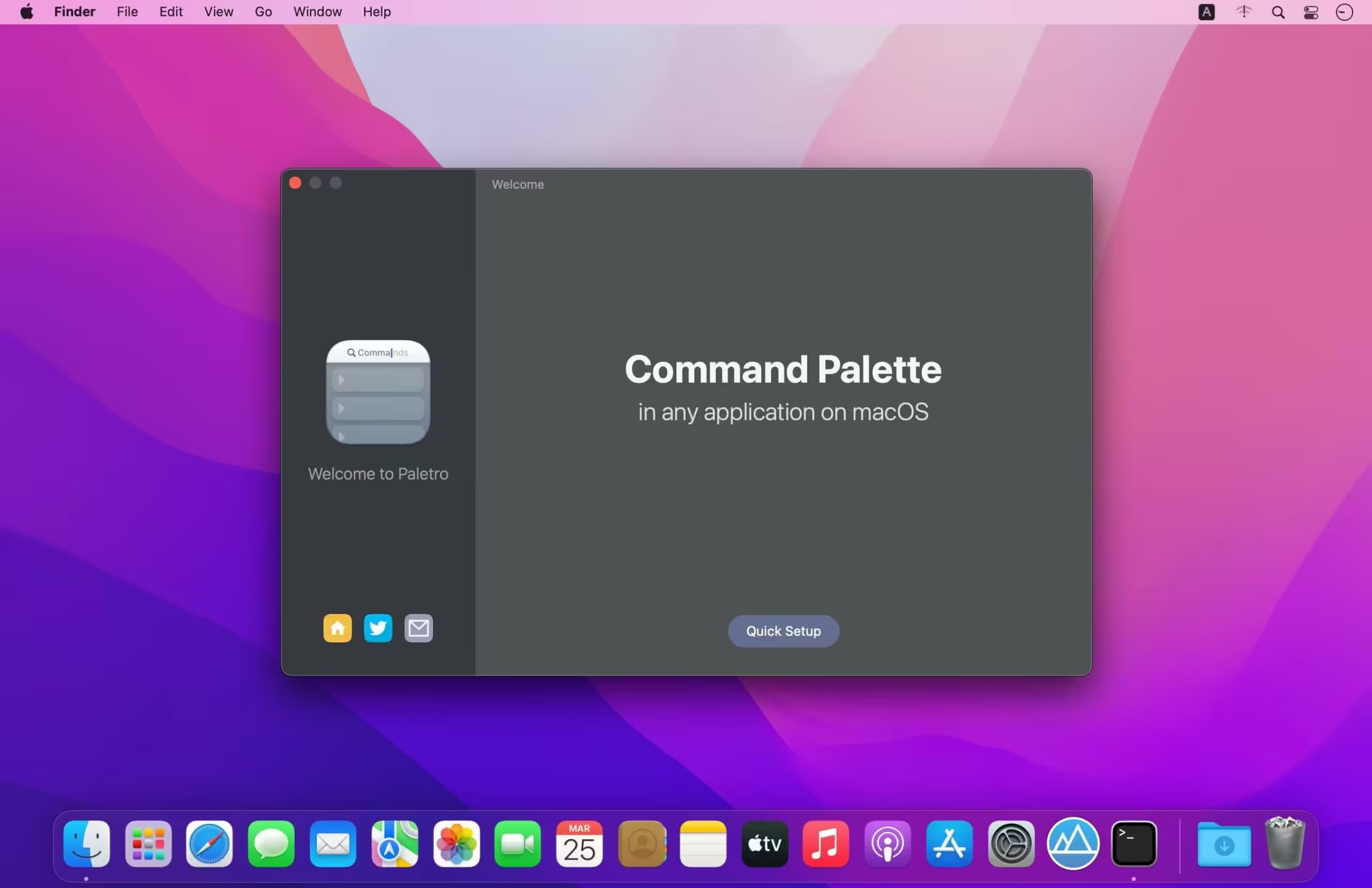
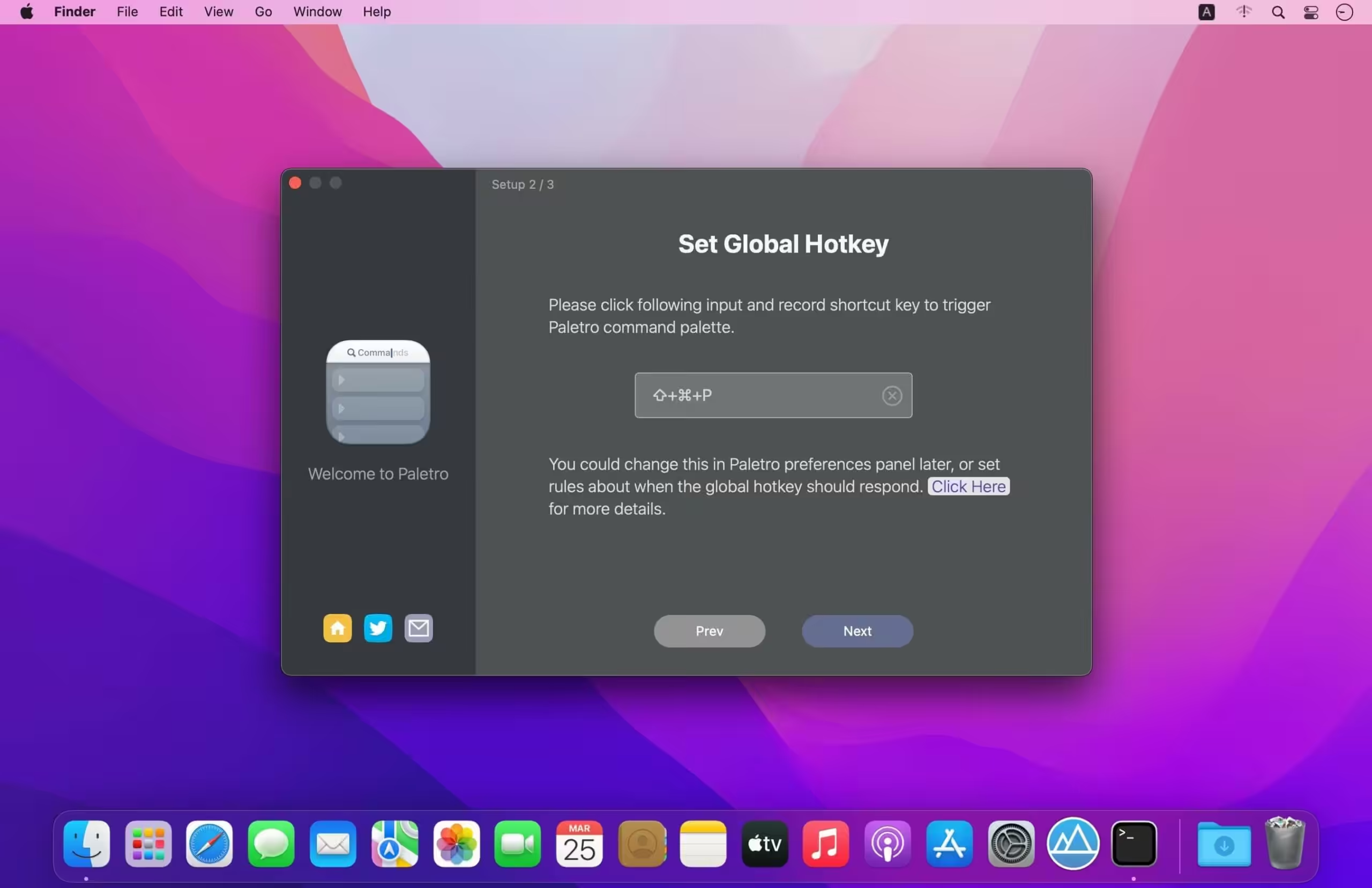
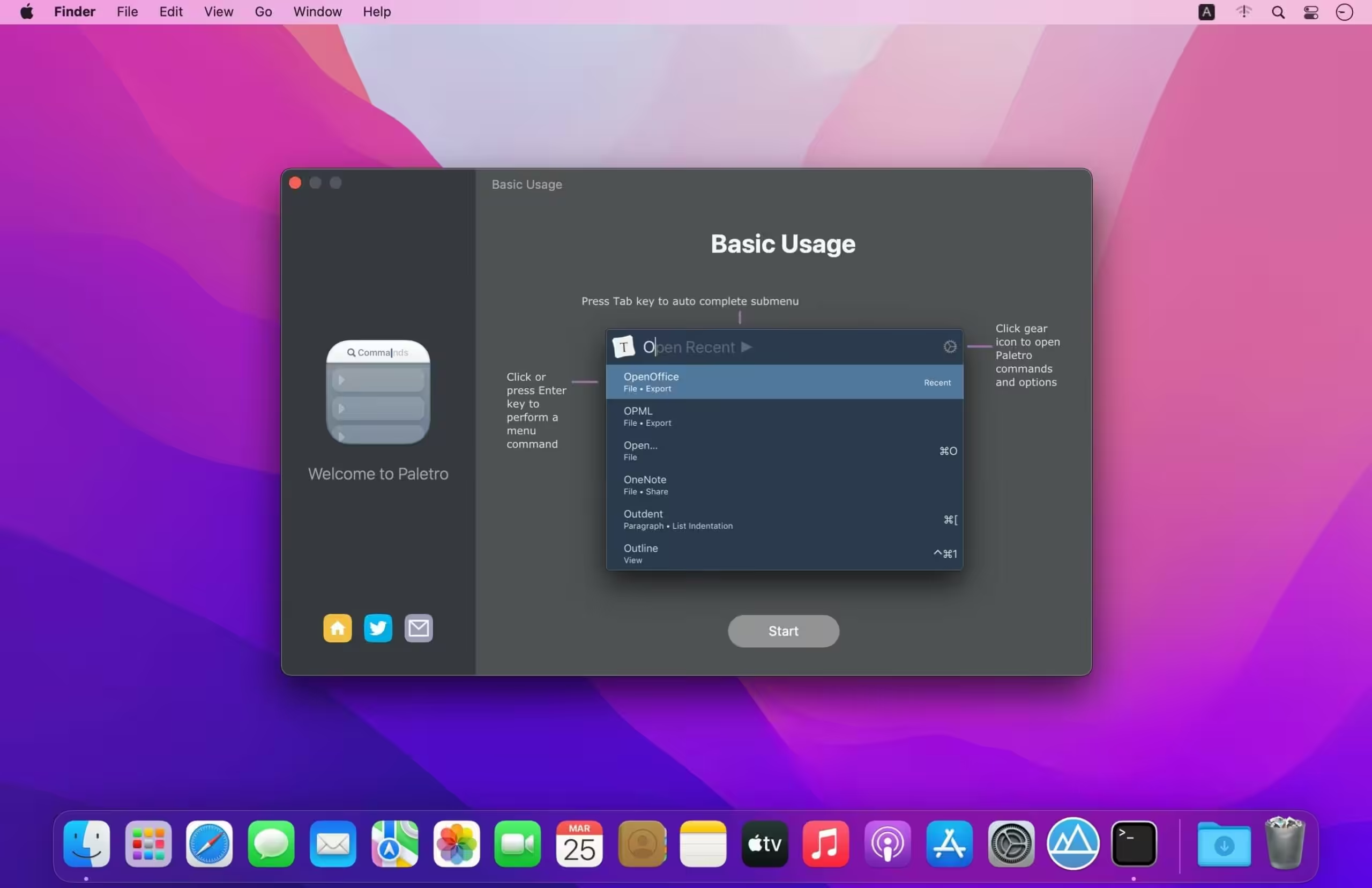
With Paletro, by pressing ⇧⌘P, you have access to all of the functionality of the current focused app, including keyboard shortcuts for the most common operations.
Features
- Search – Fuzzy search or filter operations in command palette without taking your hands from the keyboard.
- Shortcuts – Display and support original shortcut keys from current application, like a built-in component.
- i18n – Able to search in English words or alphabets in non-English locales in (some) applications.
- Customization – Customize rules how Paletro should behavior, exclude certain menu items or disable in certain applications.
- Themes – Multiple themes you can choose from, and you can create your own styles (coming soon).
What's New
November 23, 2026- Fix add extension may added two item in extension list.
- Fix AppleScript extensions failed to execute (We suggest users to remove and re-add .scpt extensions).
Recent posts
See all ›
Nevercenter CameraBag Pro
v2022 · Updated Nov 24, 2026

GraphicConverter 11.6.1 (5483)
v11.6.1.5483 · Updated Nov 24, 2026

GraphicConverter 11.6.1 (5482)
v11.6.1.5482 · Updated Nov 24, 2026

GraphicConverter 11.6.1 (5481)
v11.6.1.5481 · Updated Nov 24, 2026

Adobe After Effects 2022 v22.1.1
v2022.22.1.1 · Updated Nov 24, 2026

Noir – Dark Mode for Safari 2026.2.4
v2026.2.4 · Updated Nov 24, 2026
Version history
Oct 19, 2026 · 15.7 MB
More apps for you
See all System Utilities ›





Ratings & Reviews
(1 rating)Reportar Enlace Caído
Paletro · v1.8.0
¡Reporte Enviado con Éxito!
Hemos notificado al equipo técnico. Revisaremos el enlace y lo actualizaremos a la mayor brevedad.