ON1 Resize AI is the ultimate image resizing application, leveraging advanced AI to deliver stunning, print-ready enlargements with unparalleled quality. Optimized for modern macOS, it seamlessly integrates powerful browsing and editing tools, making it an essential solution for macOS Media & Design professionals seeking efficient photo workflows and perfect output.

Download
2 versions
Download Now
20.5.2.19304 · FREE · Universal
All older versions
- Size
- 551 MB
- Requires
- Universal
- Architecture
- Universal
- Features
- Screenshots 2
- Whats new?
- AI Image Upscaling: Leverage advanced artificial intelligence to dramatically enlarge photos while preserving intricate details and sharpness for superior prints.
- Print-Ready Output: Prepare your images for professional printing with precise controls, ensuring optimal resolution and quality for any size.
- Integrated Photo Browser: Efficiently view, cull, and organize your entire photo library with ON1 Browse, streamlining your editing workflow from the start.
- Essential Editing Tools: Perform quick adjustments and refinements to your images directly within the application before resizing, enhancing overall quality.
- Streamlined Workflow: Experience a fluid and intuitive process from photo selection to final output, designed to maximize your productivity.
- Batch Resizing: Process multiple images simultaneously with powerful batch resizing capabilities, saving significant time on large projects.
- Detail Preservation: Ensure critical image details and textures remain sharp and clear, even after significant enlargement, for professional results.
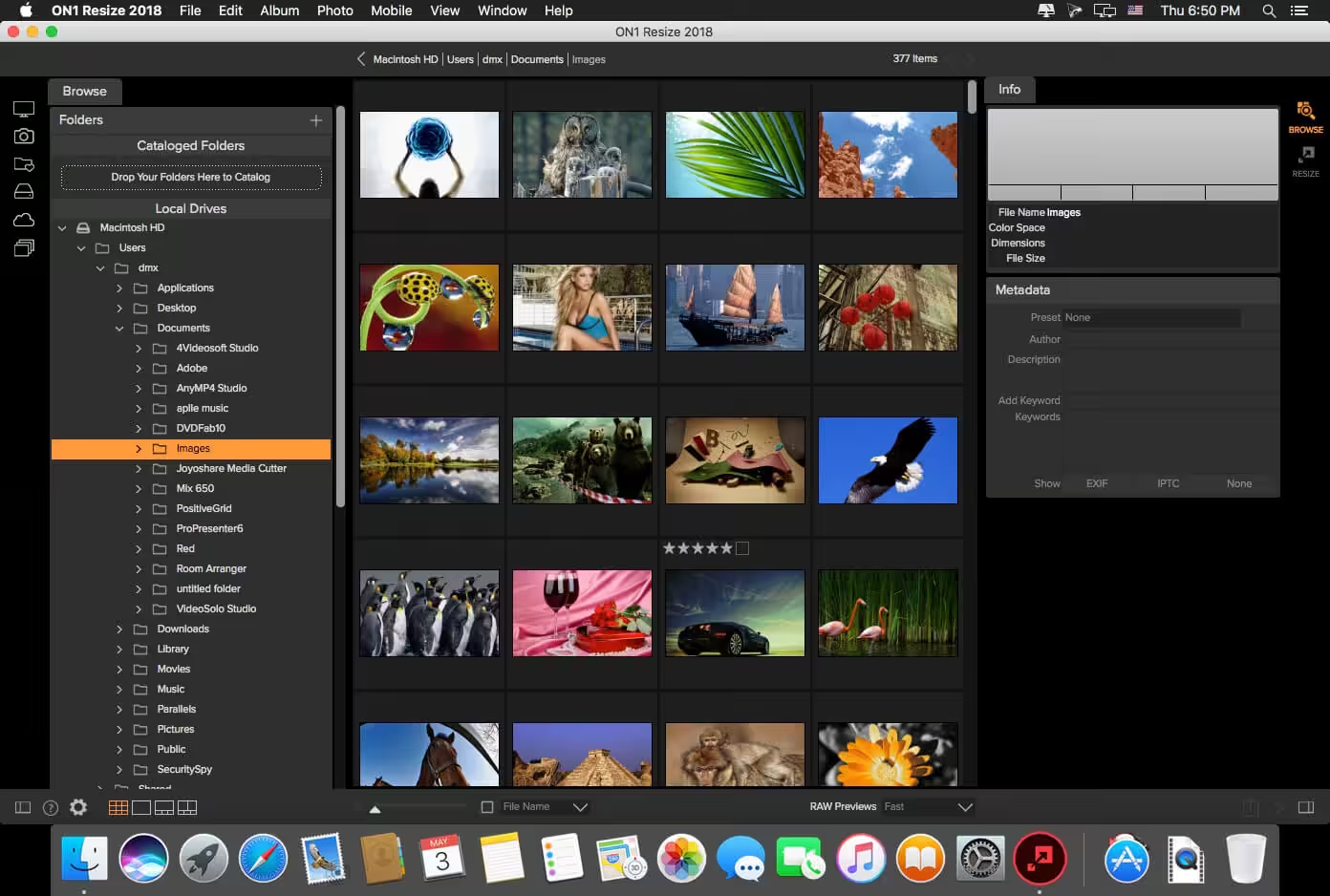
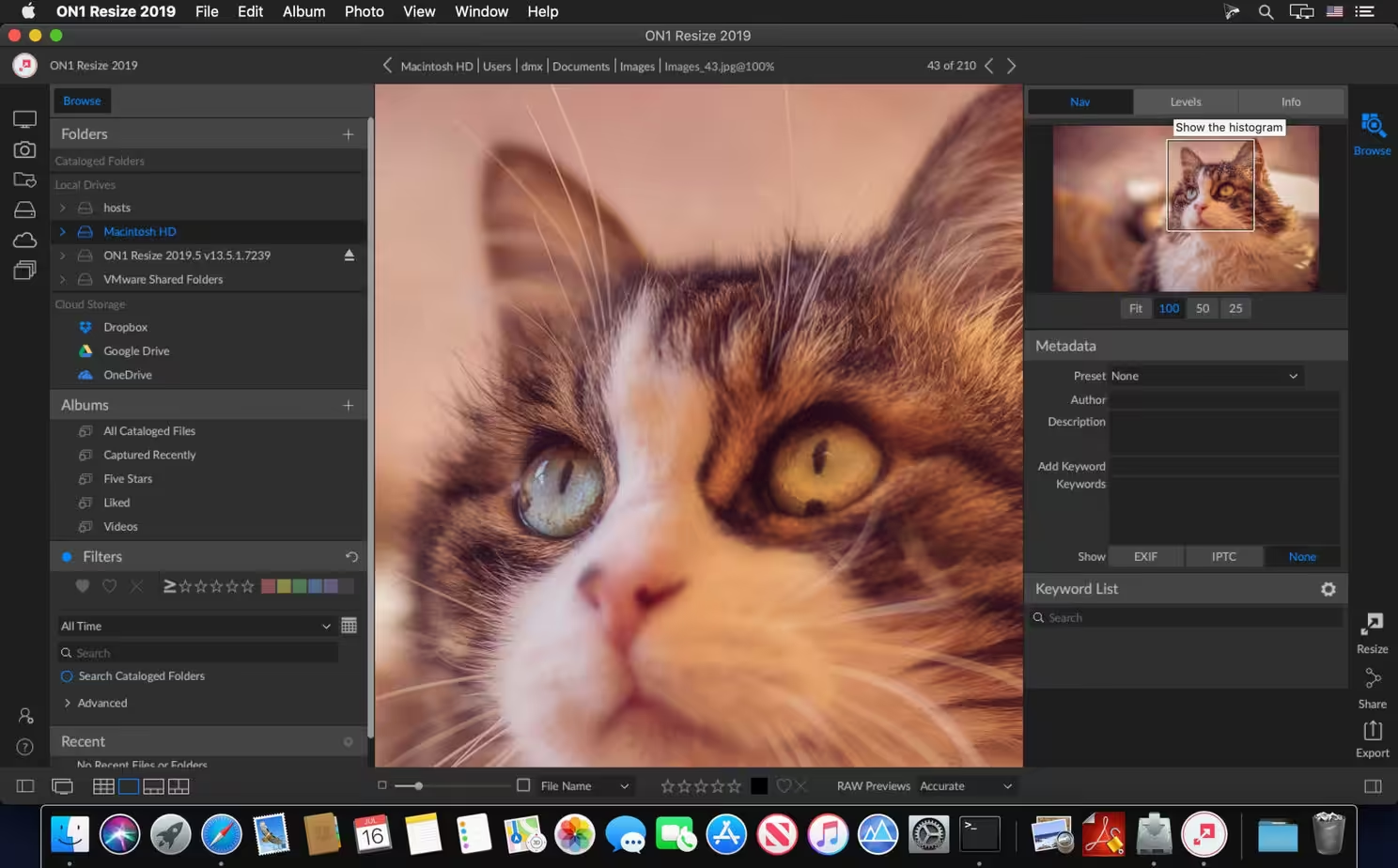
What's New in Version 20.5.2.19304
- Release notes were unavailable when this listing was updated.
Older versions & Compatibility
Running macOS Catalina, Big Sur, Monterey, or Ventura? Download tested builds for Intel and Apple Silicon.
-
20.5.2.19304 LatestOct 09, 2026 · 551 MB · Universal
-
2026.5.1 20.5.1.19148 ArchivedOct 09, 2026 · 551 MB · Universal
Verified secure servers
Official Website




No comments yet
Share whether this build worked on your Mac, on which macOS version, and your tips.