
Screenshots
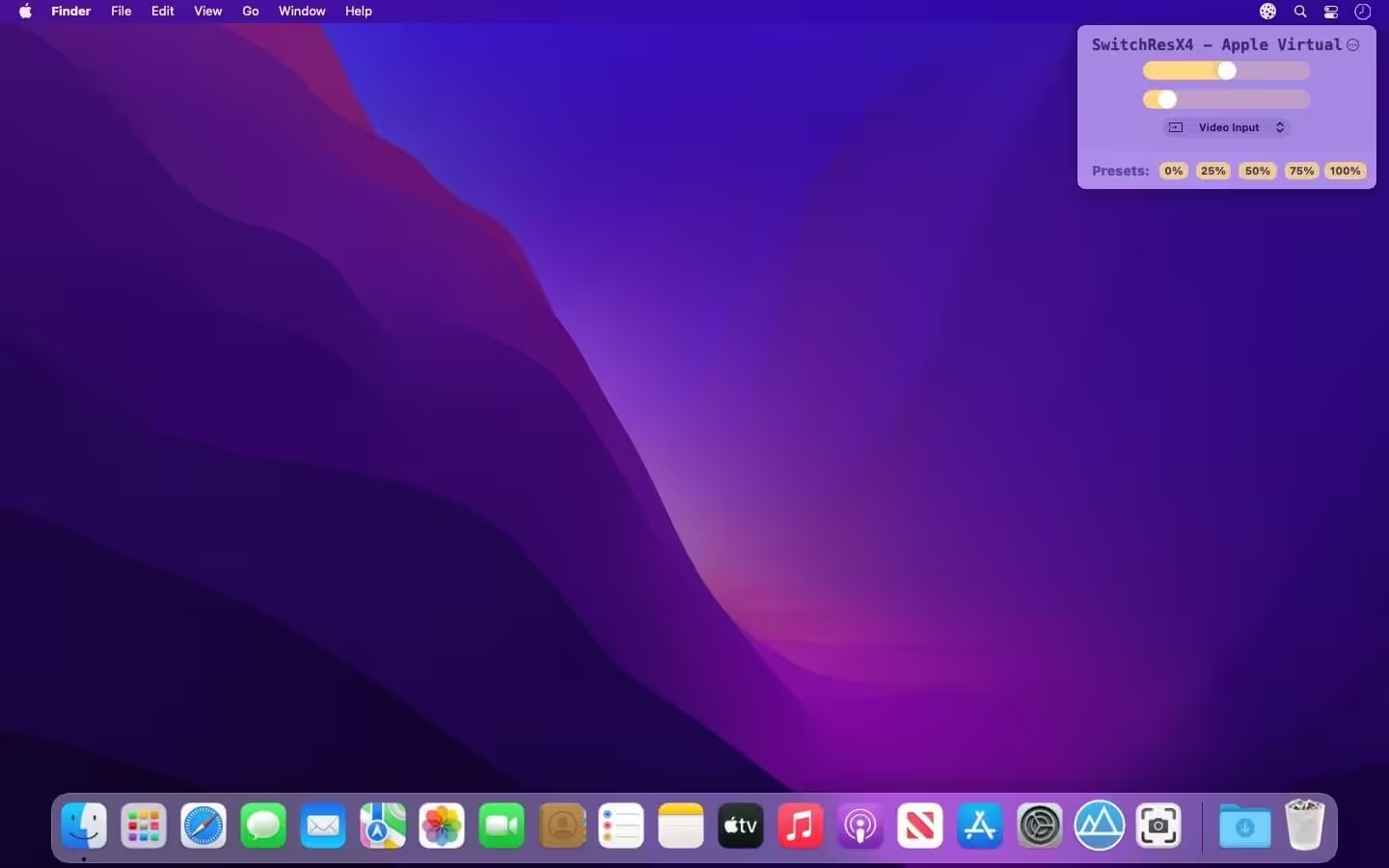
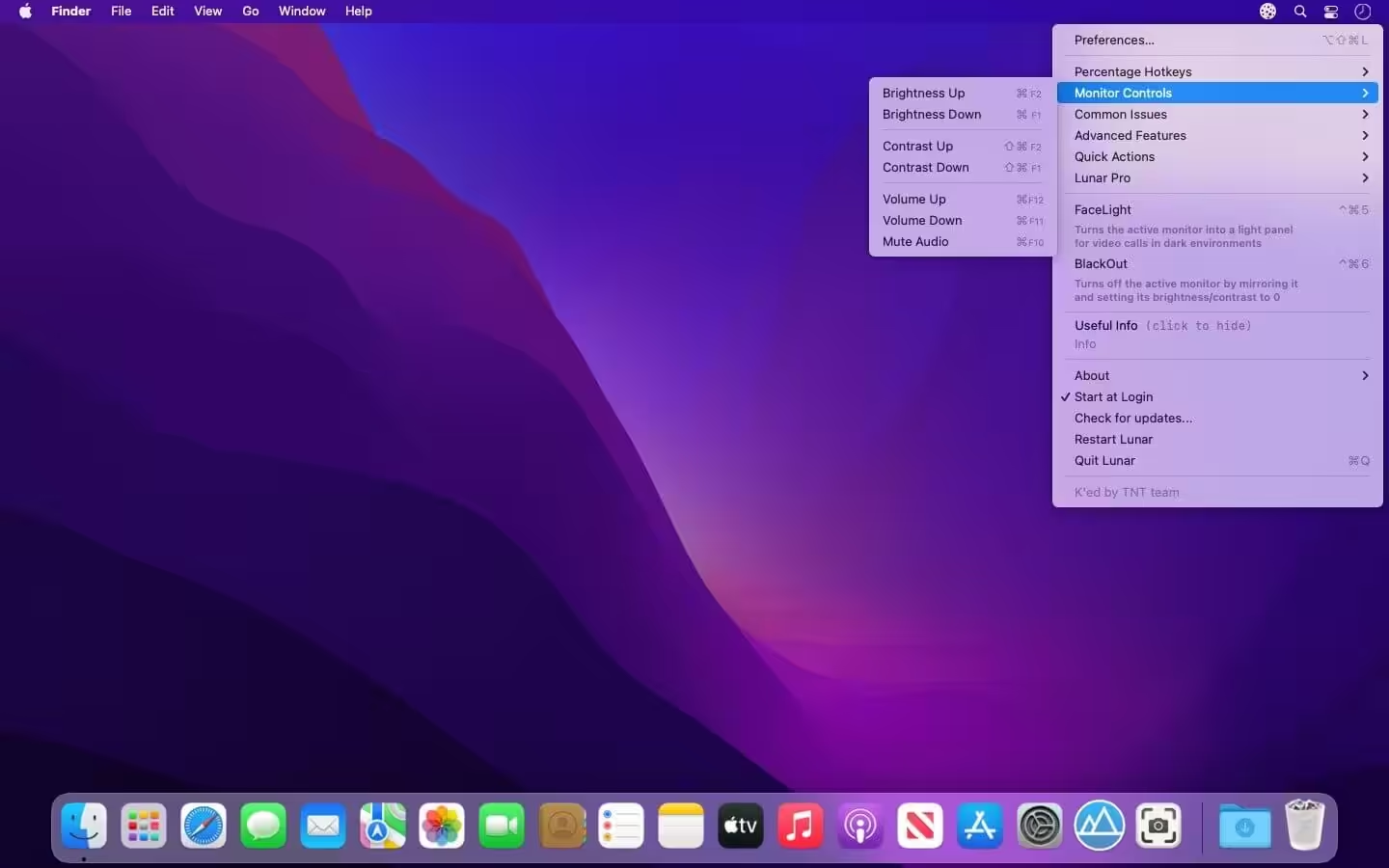
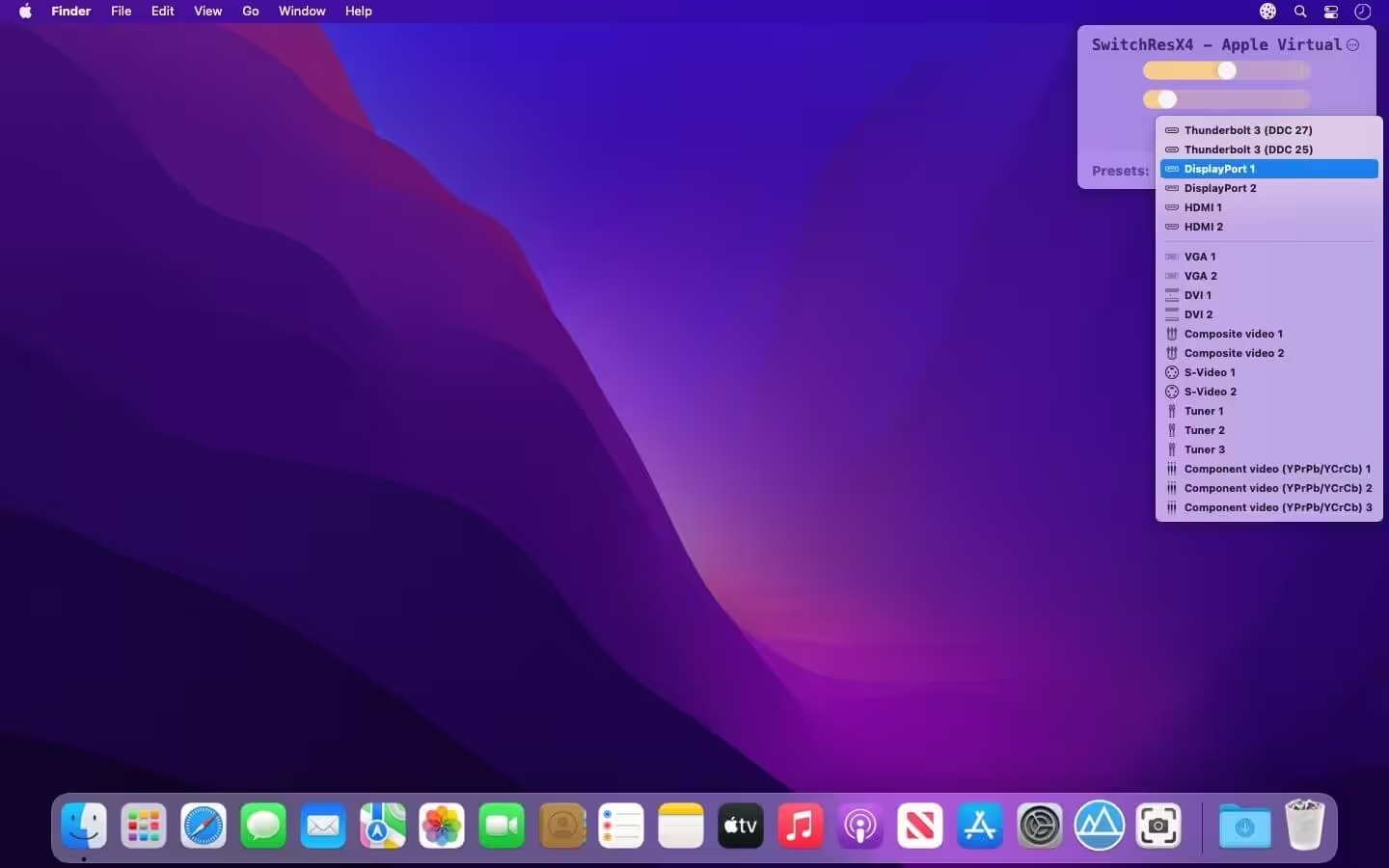
Intelligent adaptive brightness for your external display. Lunar controls the same brightness that you can change by using the monitor’s physical buttons. Lunar controls the same brightness that you can change by using the monitor’s physical buttons, even on M1.
Features
- Sensor-based Adaptive Brightness (and contrast) based on an external light sensor
- Sync-based Adaptive Brightness (and contrast) based on the built-in light sensor of the Macbook or iMac
- Location-based Adaptive Brightness (and contrast) based on the sunrise/sunset times in your location
- App Exception list if you need more brightness for specific activities (watching movies, design work)
Individual settings per display:
- Manual controls and hotkeys for setting brightness and contrast that respect the min/max values per monitor
- It doesn’t interfere at all with the native adaptive brightness that macOS implements for the built-in display
- It works well along Night Shift and True Tone (and f.lux if Gamma/Software controls are not used)
What's New
November 9, 2026- Fix detection for Samsung U28E850
Recent posts
See all ›
Compress Any Video PRO
v2.1 · Updated Nov 24, 2026

GraphicConverter 11.6.1 (5487)
v11.6.1.5487 · Updated Nov 24, 2026

Adobe Acrobat DC Pro 2022.001.20112
v2022.001.20112 · Updated Nov 24, 2026

Maxon Cinema 4D R26.
v013 · Updated Nov 24, 2026

Luminar Neo 1.0.5 (11374)
v1.0.5.11374 · Updated Nov 24, 2026

Sip 4.0.0
Updated Nov 24, 2026
Version history
Oct 17, 2026 · 20.1 MB
More apps for you
See all Application ›




Ratings & Reviews
(1 rating)Reportar Enlace Caído
Lunar Pro · v6.9.5
¡Reporte Enviado con Éxito!
Hemos notificado al equipo técnico. Revisaremos el enlace y lo actualizaremos a la mayor brevedad.