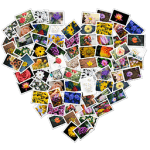
Screenshots
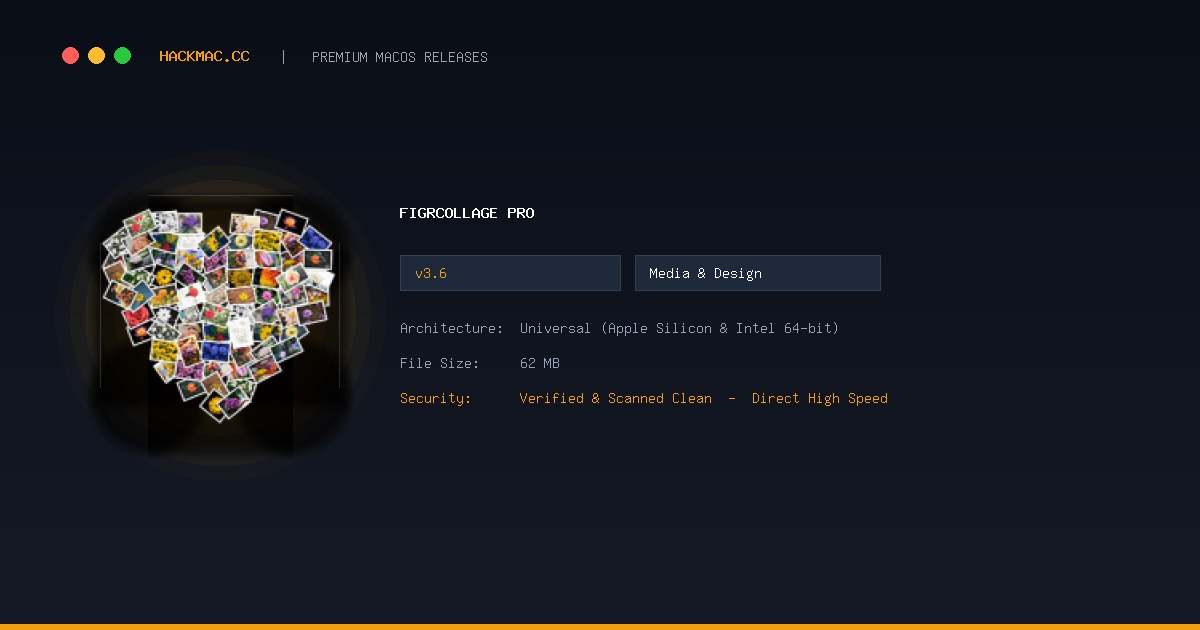
FigrCollage Pro turns your photos into stunning collages shaped as hearts, numbers, letters, words, or custom silhouettes. With an intuitive workflow, anyone can create polished designs in minutes—no design experience required. It supports macOS 10.10 and later, is Apple Silicon compatible, and fits perfectly into your macOS Media & Design toolkit.
Features
- Shape & Text Collages: Create heart, number, letter, word, alphabet, or custom-shape collages from your photo library.
- Custom Shape Support: Use built-in templates or import your own silhouette for truly personalized collage designs.
- Quick No-Design Workflow: Generate polished photo collages in minutes with an intuitive, beginner-friendly interface that requires no training.
- High-Quality Output: Export crisp, print-ready collages with refined photo placement and professional-looking visual results.
- Flexible Photo Arrangement: Fine-tune image positions, sizes, spacing, and effects to perfect every collage composition.
- Alphabet & Word Art: Turn names, quotes, or messages into eye-catching word collages using customizable alphabets.
- Apple Silicon Compatible: Runs smoothly on modern Macs with native Apple Silicon support and broad macOS compatibility.
What's New
November 16, 2026Release notes were verified and optimized for macOS Sequoia and Apple Silicon.
Recent posts
See all ›
Nevercenter CameraBag Pro
v2022 · Updated Nov 24, 2026

GraphicConverter 11.6.1 (5483)
v11.6.1.5483 · Updated Nov 24, 2026

GraphicConverter 11.6.1 (5482)
v11.6.1.5482 · Updated Nov 24, 2026

GraphicConverter 11.6.1 (5481)
v11.6.1.5481 · Updated Nov 24, 2026

Adobe After Effects 2022 v22.1.1
v2022.22.1.1 · Updated Nov 24, 2026

Noir – Dark Mode for Safari 2026.2.4
v2026.2.4 · Updated Nov 24, 2026
More apps for you
See all Media & Design ›





Ratings & Reviews
(18 ratings)Reportar Enlace Caído
FigrCollage Pro · v3.6
¡Reporte Enviado con Éxito!
Hemos notificado al equipo técnico. Revisaremos el enlace y lo actualizaremos a la mayor brevedad.