Easy App Locker
1.2Screenshots
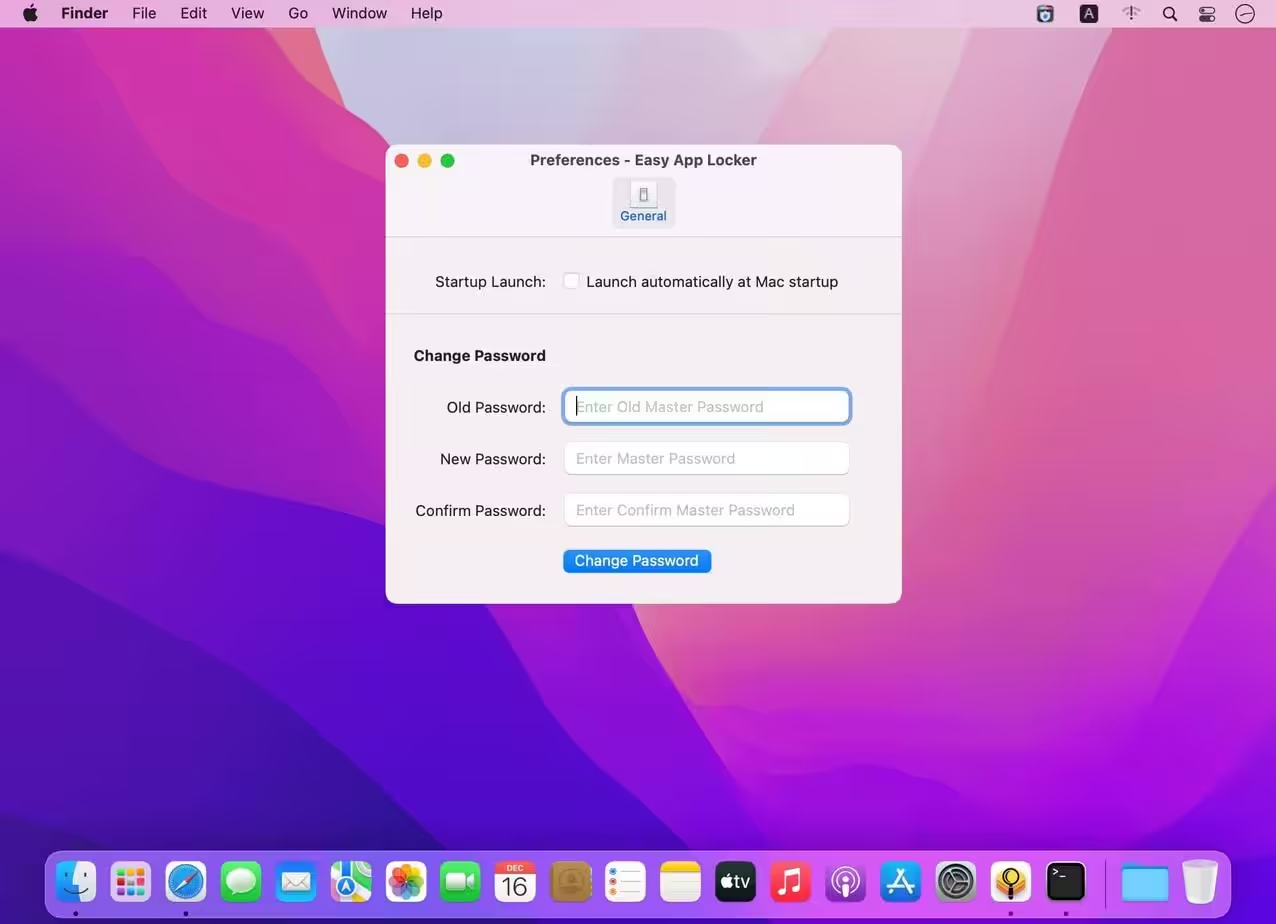
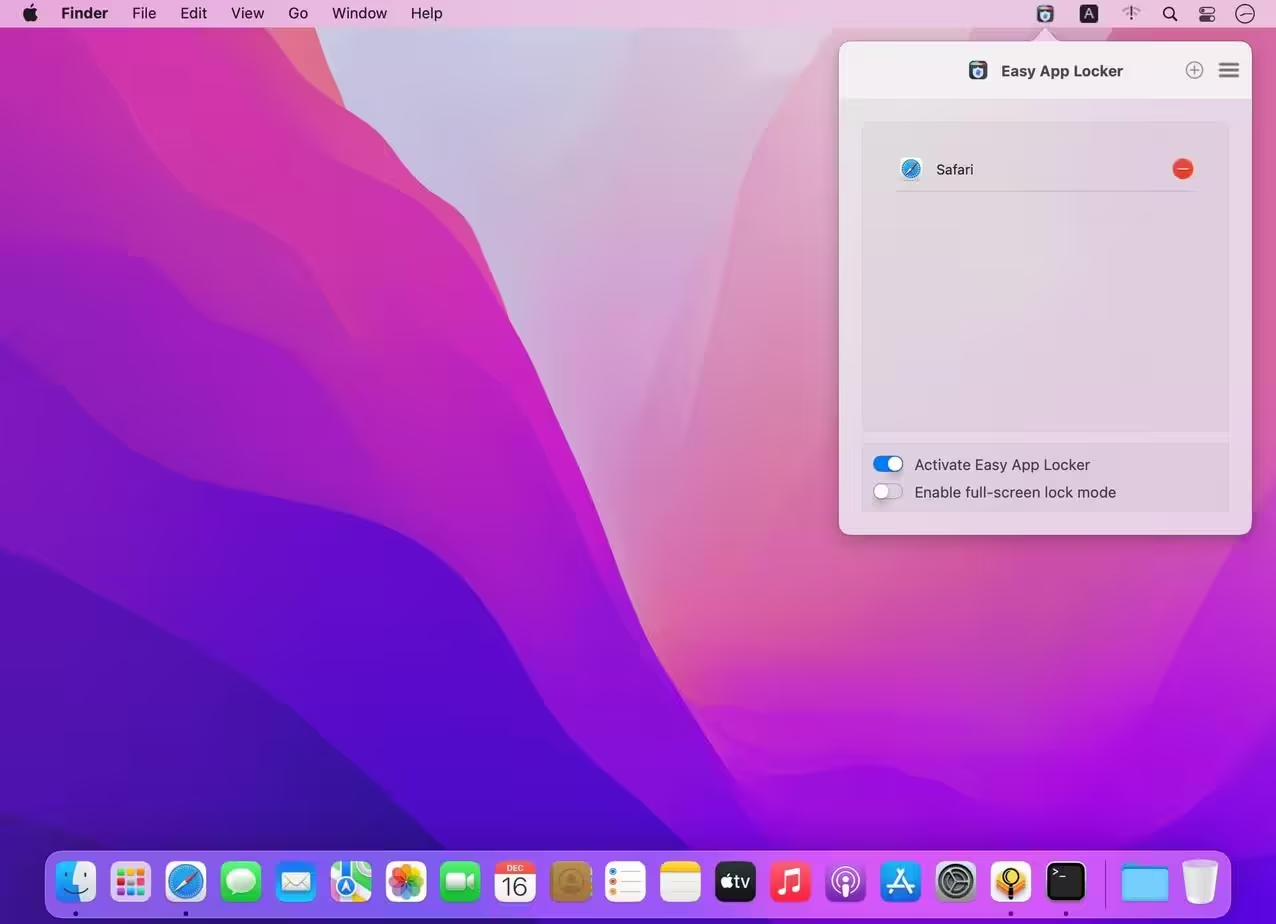
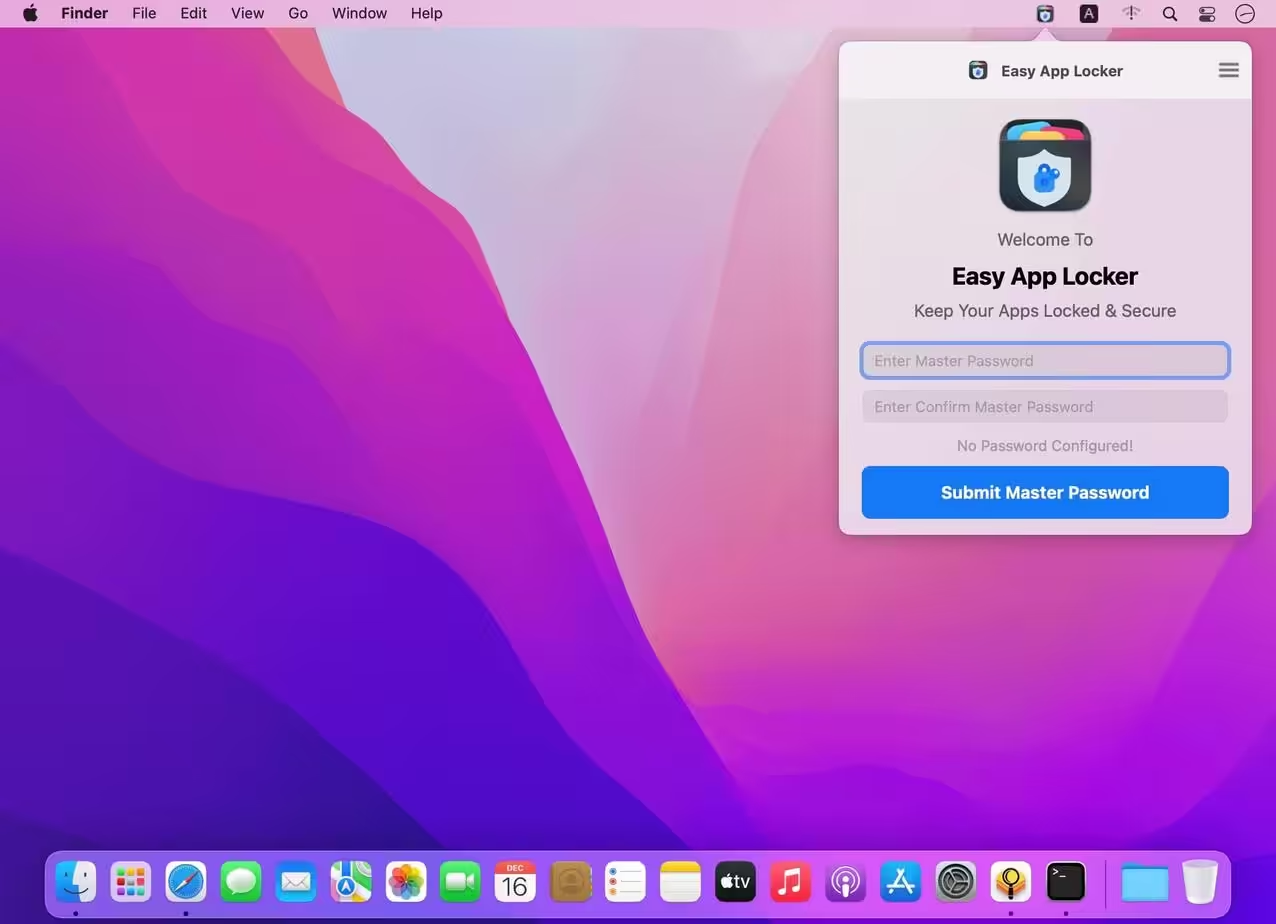
Easy App Locker can password protect individual apps on your Mac. Keep your privacy intact on your Mac. Password protects any macOS application from unauthorized usage without modifying anything in your system settings and/or applications. Avoid unauthorized access to your personal applications simply by applying Easy App Locker with a master password.
Features
- Password protect individual applications on your Mac
- Block access to applications in full-screen mode for enhanced privacy
- Block access to applications in window mode
- Add or remove apps from the LockList
- Easy-to-use and user perspective app interface.
It is easy to use, there is absolutely no complicated configuration required as setting up parental controls, just start Easy App Locker, create a master password and select the apps you want to keep private. See how to use:
- Download Easy App Locker from App Store.
- Launch the app and set your master password.
- In the main console, click “+” and select the apps you want to lock.
- You can apply full-screen lock
- You can set Easy App Locker to launch at the startup.
- To access the locked application enter your Master Password.
- You can reset password anytime under General Preferences
What's New
October 26, 2026- Compatible with MacOSX Version 12 (Monterey).
- Minor Improvements
Recent posts
See all ›
Compress Any Video PRO
v2.1 · Updated Nov 24, 2026

GraphicConverter 11.6.1 (5487)
v11.6.1.5487 · Updated Nov 24, 2026

Adobe Acrobat DC Pro 2022.001.20112
v2022.001.20112 · Updated Nov 24, 2026

Maxon Cinema 4D R26.
v013 · Updated Nov 24, 2026

Luminar Neo 1.0.5 (11374)
v1.0.5.11374 · Updated Nov 24, 2026

Sip 4.0.0
Updated Nov 24, 2026
Version history
Oct 26, 2026 · 10.2 MB
More apps for you
See all Productivity & Business ›





Ratings & Reviews
(1 rating)Reportar Enlace Caído
Easy App Locker · v1.2
¡Reporte Enviado con Éxito!
Hemos notificado al equipo técnico. Revisaremos el enlace y lo actualizaremos a la mayor brevedad.