Screenshots
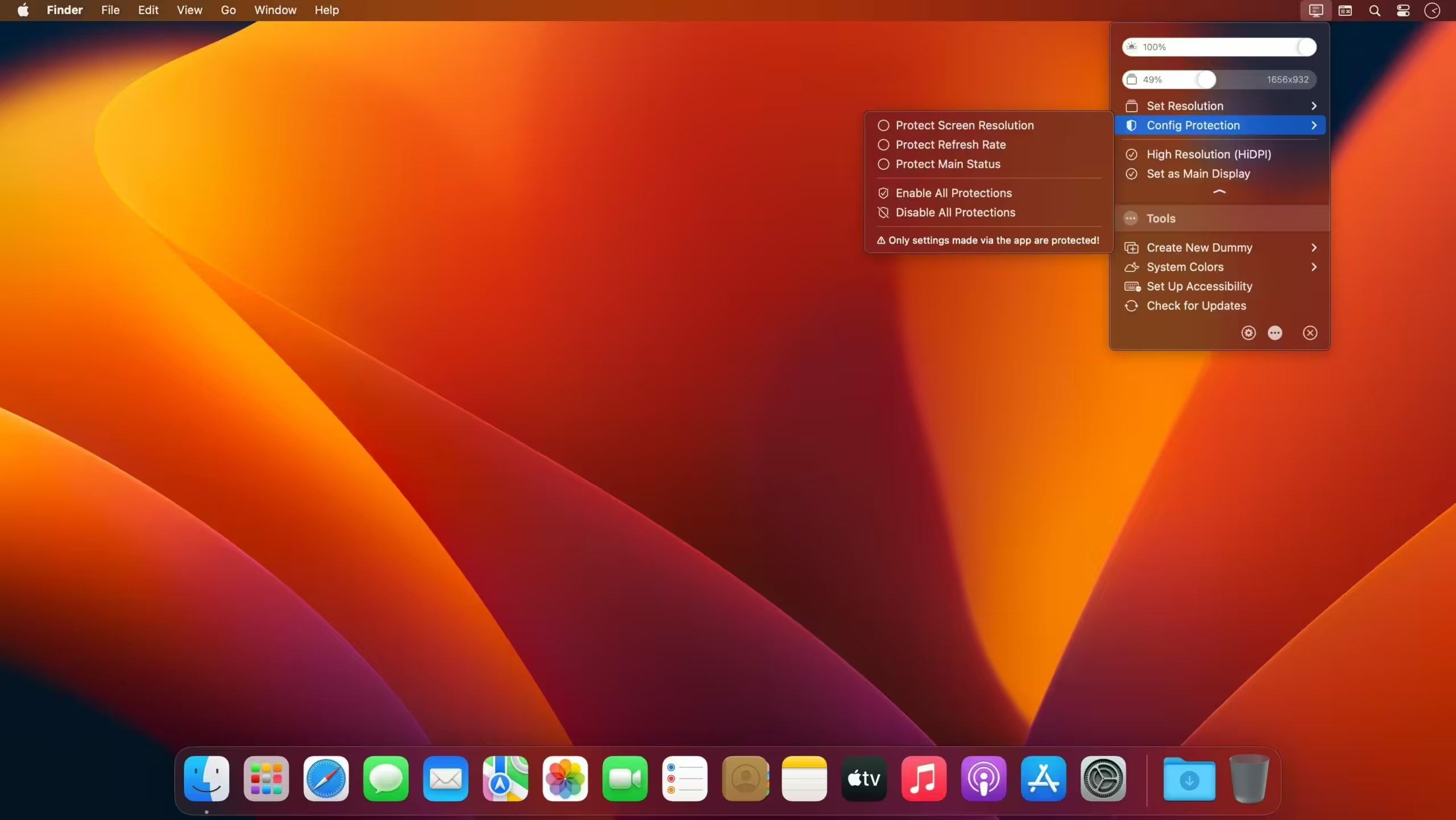
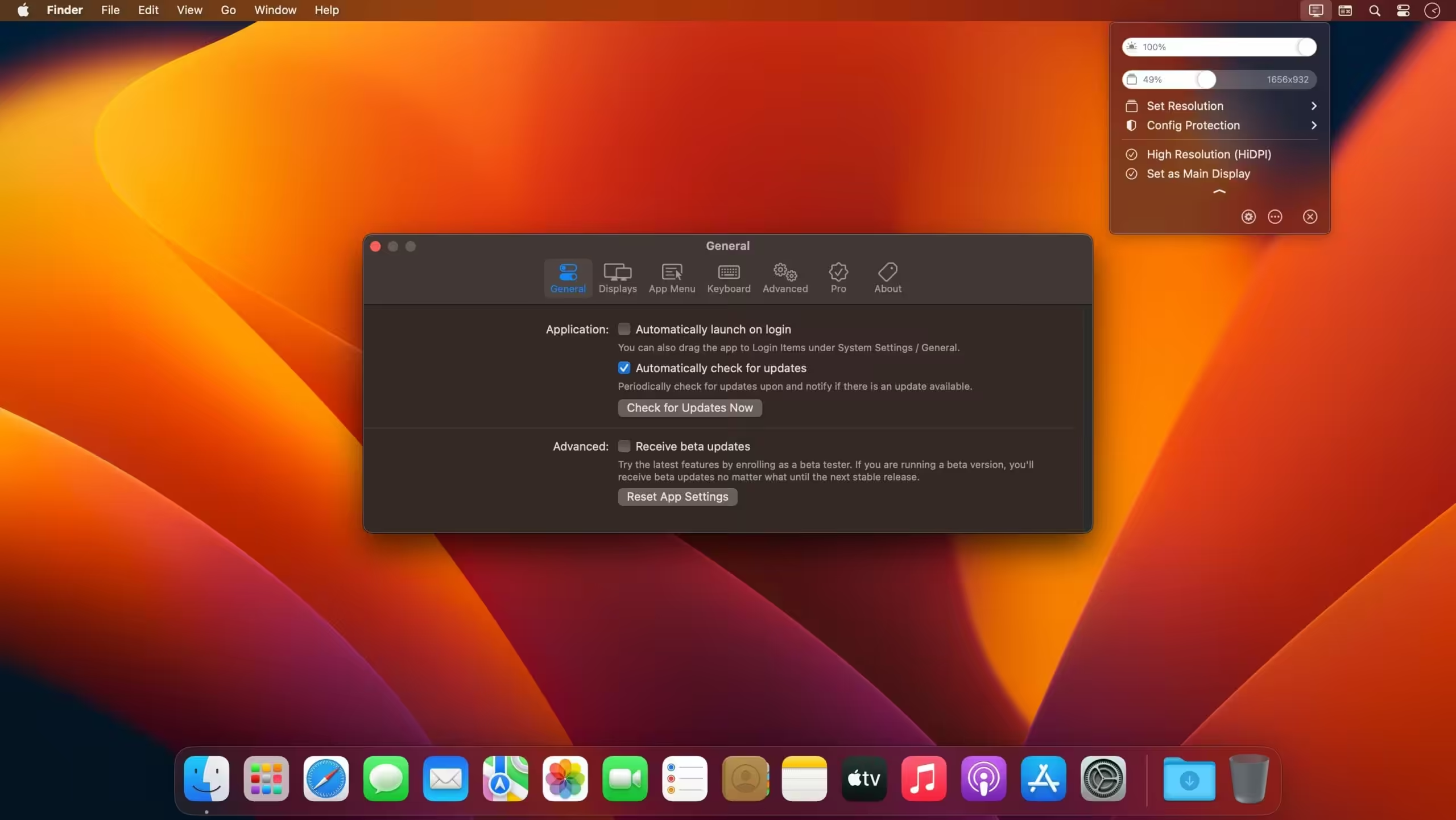
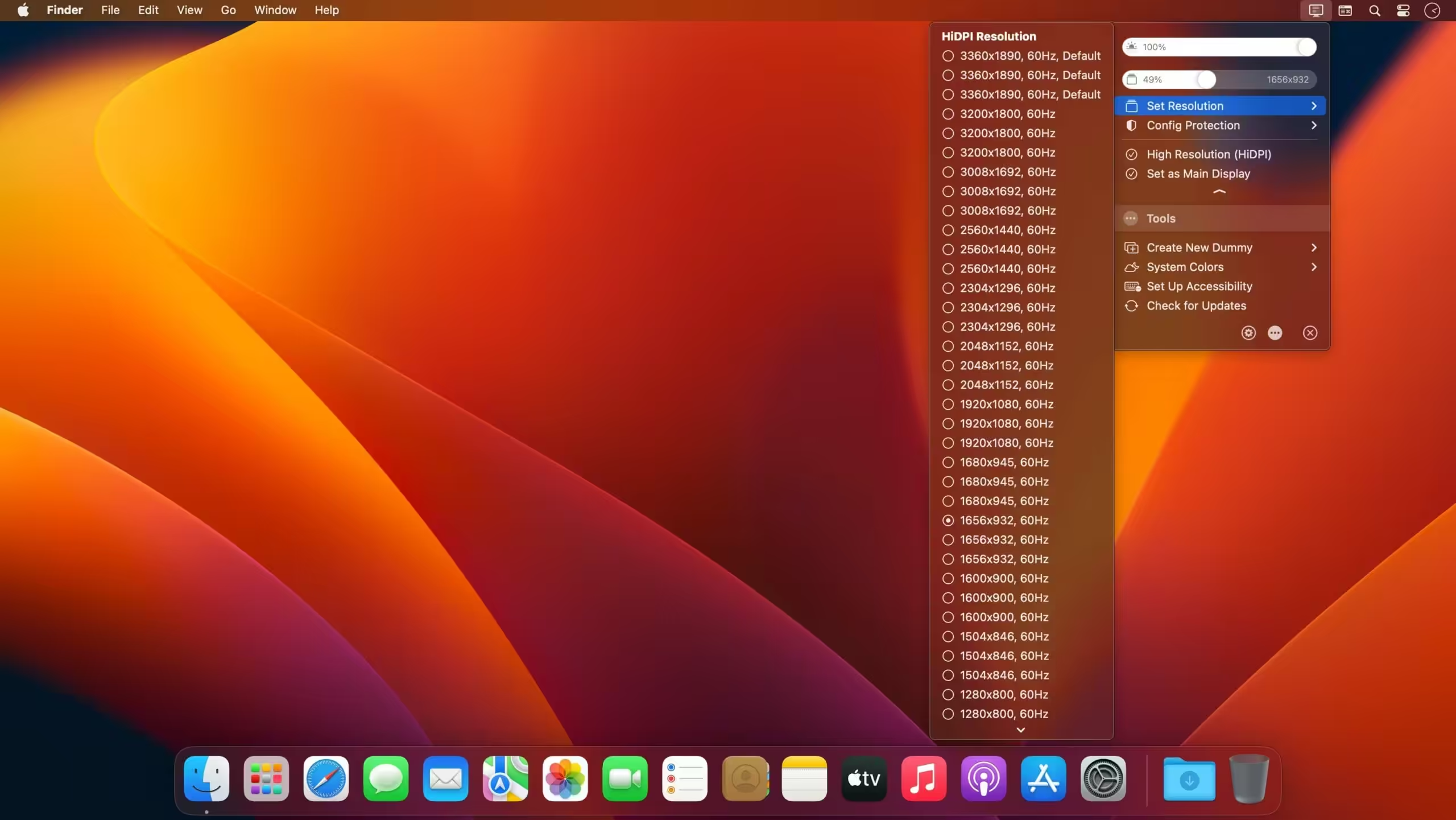
BetterDisplay Pro redefines your Mac's display capabilities. This powerful utility transforms any screen into a fully scalable retina display, offering unparalleled control over resolution, brightness, and color. It's an indispensable addition to any Mac user's collection of macOS System Utilities, enhancing visual fidelity and workflow efficiency.
Features
- Fully Scalable Displays: Convert any display into a high-resolution, fully scalable screen for crisp text and graphics.
- Precise Brightness Control: Gain granular control over display brightness, extending beyond macOS defaults for perfect lighting.
- XDR/HDR Upscaling: Boost compatible displays with XDR/HDR upscaling, achieving brightness levels beyond 100%.
- Complete Dimming to Black: Achieve true black by fully dimming your display, perfect for dark environments and content creation.
- Virtual Display Management: Create and manage virtual displays (dummies) to fine-tune your multi-monitor configurations and workflows.
- Picture-in-Picture Windows: Generate convenient Picture-in-Picture windows from any display for enhanced multitasking capabilities.
- Menu Bar Access: Easily manage all display settings and features directly from your Mac's convenient menu bar.
What's New
November 10, 2026- Made resolution modes that are not visible with default settings more reachable via additional Set Resolution or Refresh Rate menu options
- Added feature to quickly swap identical displays
- Improved BetterDisplay behavior on removing eGPU (avoid stuff that interferes with the process)
- Added keyboard shortcut to quickly swap identical displays
- Added a bit more explanation + opens app menu when app icon clicked again while the app is running.
- Added an option to force-override resolution of mirrored displays
- Progressively hide resolution slider icon when a special resolution marker overlaps during tracking
- Added the ability to add/remove favorites from the resolution slider when special resolution markers are enabled
- Fixed: Seemingly Duplicate Resolutions In Set Resolution Menu by default on Intel
- Fixed: Resolution slider contains same resolution for multiple bit-depths on Intel (this also causes duplication in special resolution markers in v1.4.5)
- Fixed: Slider snapping does not work properly (flickers) for displays with limited resolution options in v1.4.5
- Fixed: Resolution slider markers and snapping is confused when slider set to magnifier style in v1.4.5
Recent posts
See all ›
Nevercenter CameraBag Pro
v2022 · Updated Nov 24, 2026

GraphicConverter 11.6.1 (5483)
v11.6.1.5483 · Updated Nov 24, 2026

GraphicConverter 11.6.1 (5482)
v11.6.1.5482 · Updated Nov 24, 2026

GraphicConverter 11.6.1 (5481)
v11.6.1.5481 · Updated Nov 24, 2026

Adobe After Effects 2022 v22.1.1
v2022.22.1.1 · Updated Nov 24, 2026

Noir – Dark Mode for Safari 2026.2.4
v2026.2.4 · Updated Nov 24, 2026
Version history
Oct 17, 2026 · 12.4 MB
More apps for you
See all System Utilities ›





Ratings & Reviews
(1 rating)Reportar Enlace Caído
BetterDisplay Pro · v4.0.4
¡Reporte Enviado con Éxito!
Hemos notificado al equipo técnico. Revisaremos el enlace y lo actualizaremos a la mayor brevedad.