
Screenshots
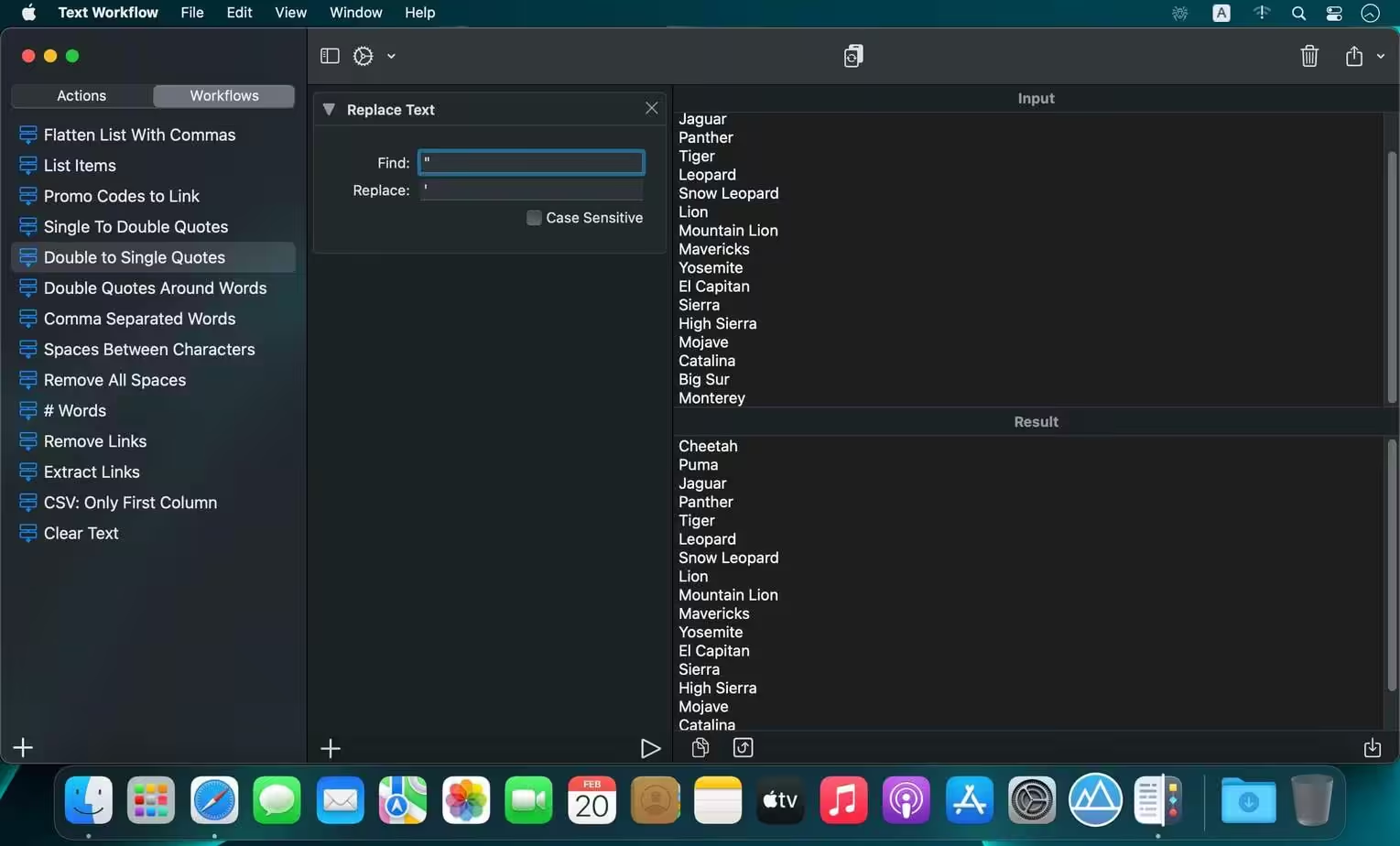
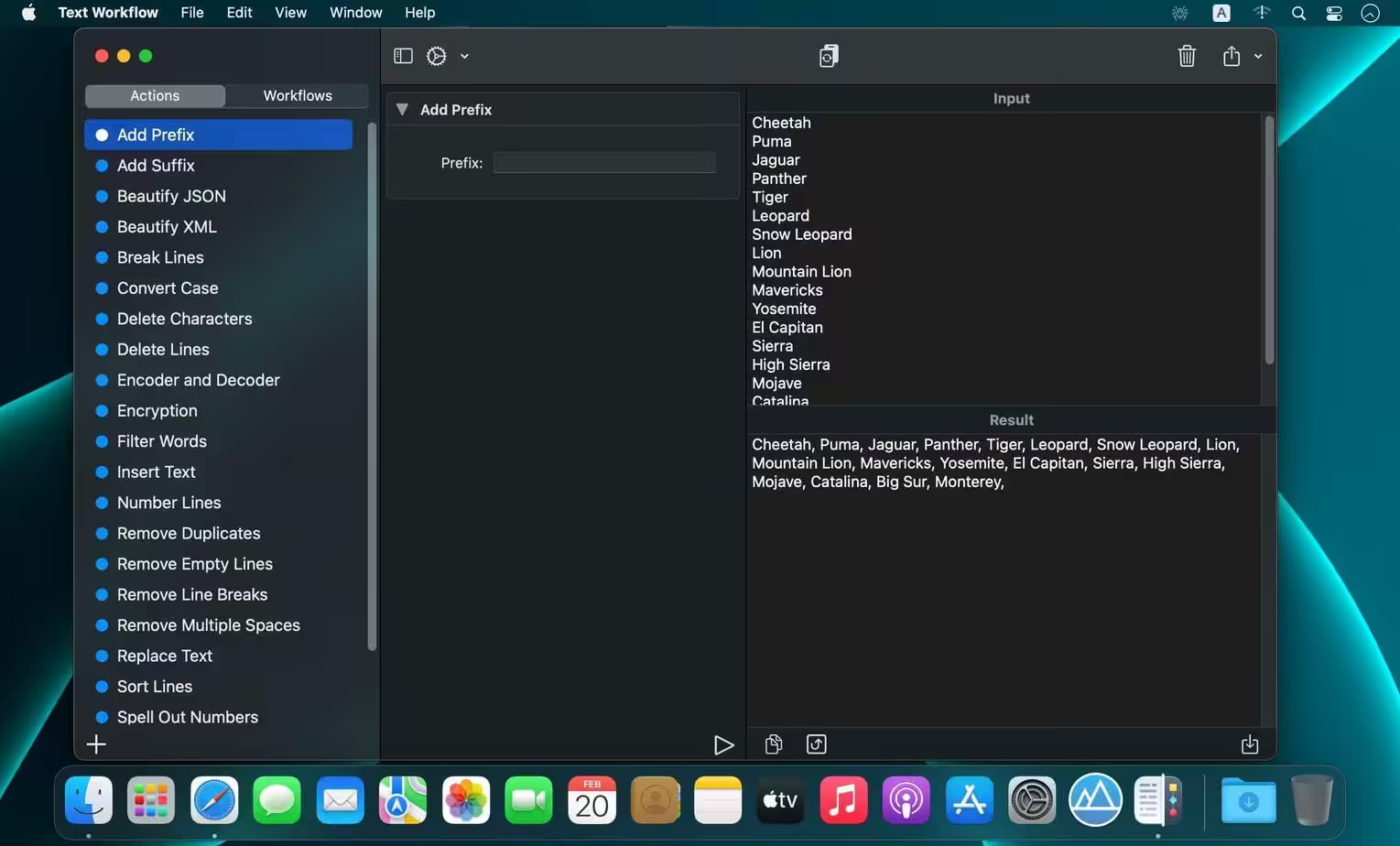
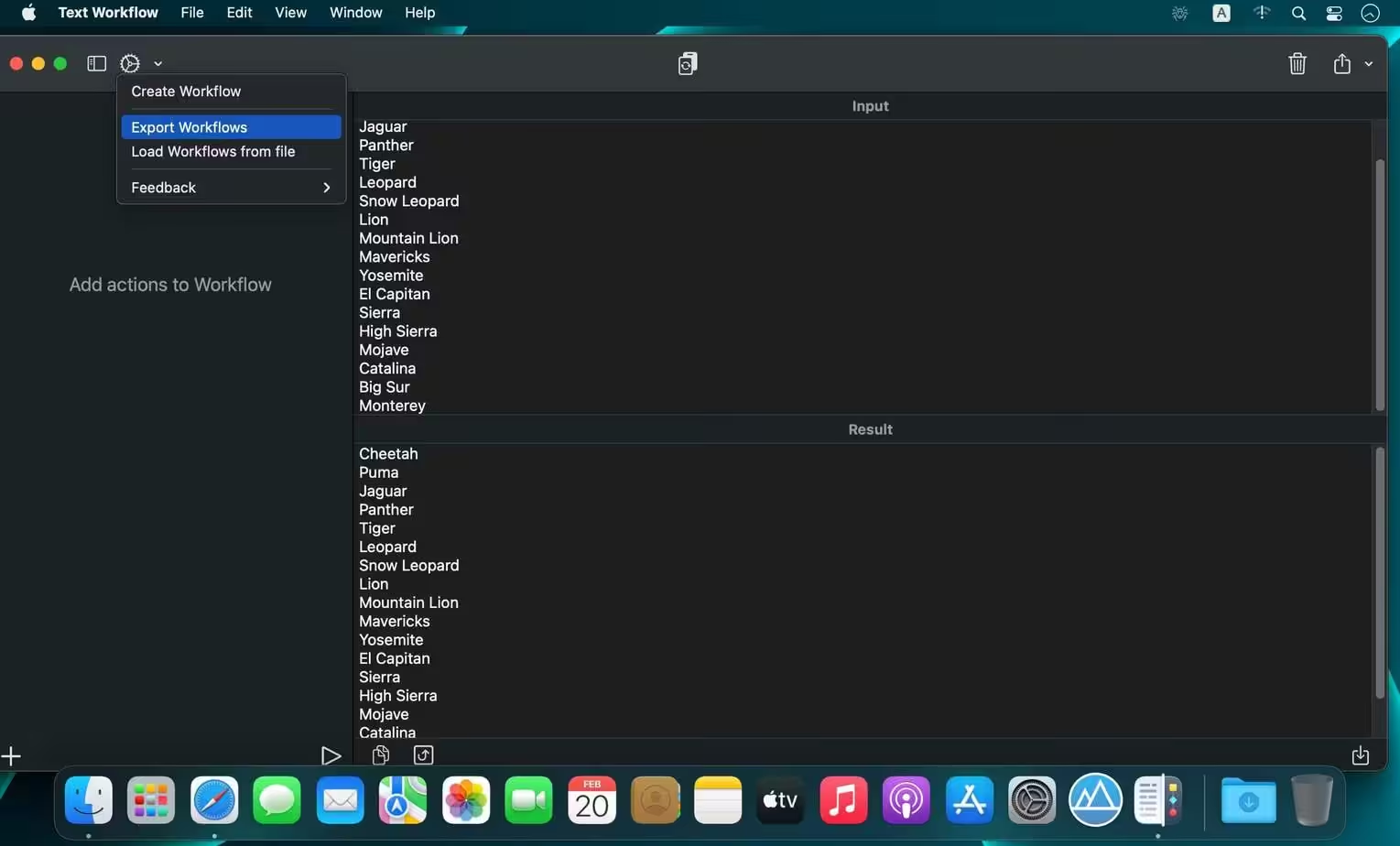
Text Workflow automates text transformations, combines transformation actions and creates powerful automation for your text. Text Workflow removes the need to perform repetitive tasks manually on your text.
Features
Easy to use
Text Workflow is designed to be easy to use by everyone, with many predefined actions that allow users to quickly and easily make changes to their text. Just select one action from the sidebar to transform your text!
Custom Workflows
Custom workflows can help you to automate text transformations. By creating and saving commonly used combinations of actions, users can quickly and easily apply complex transformations to their text without having to go through the process of selecting and applying each action individually. Be more productive and efficient when working with text!
Available text transformation actions:
- Add prefix
- Add suffix
- Replace text
Sort lines:
- alphabetically
- reverse
- shuffle
- by length
- Trim Lines
- Add line number
Break lines:
- after every word
- after every sentence
- after text
- before text
Convert Case:
- uppercase
- lowercase
- title case
- camel case
- pascal case
Delete Characters:
- selected characters
- non-alphanumeric
- numeric characters
- non-numeric
- tabs
- spaces
- characters after position
- characters before the position
- last characters
- emojis
- characters after text
- characters before the text
Insert Text:
- at first line
- at last line
- every line (position)
- before every word
- after every word
- before text
- after text
- after every character
Delete Lines:
- containing text
- starting with text
- not containing text
- not starting with text
- Remove line breaks
- Remove multiple spaces
- Remove duplicates lines
- Remove duplicates words
- Remove empty lines
Delete/Filter words:
- containing text
- starting with text
- not containing text
- not starting with text
- Spell outlines
Get Statistics:
- count characters
- count words
- count lines
- Encode/Decode
- Base64
- URL
- Encrypt/Decrypt Text with password
- Beautify JSON
- Beautify XML
What's New
November 4, 2026#Workflow Management
- Custom Icon and Color: Personalize your workflows by choosing icon and color.
- Descriptions: Add descriptions to each workflow for better organization and understanding.
- Favorites: Easily mark and access your favorite workflows.
- Keyboard Shortcuts: Assign keyboard shortcuts to workflows, enabling quick execution from any app.
#Advanced Workflow Capabilities
- Partial Text Processing: Apply workflows to either the entire input text or specific parts based on criteria like regular expression matches.
- Nested Workflows: The new “Call Workflow” action allows you to run workflows from within other workflows, facilitating complex and reusable workflow setups.
#New AI-Powered Actions
- Generate Image from Text: Use your OpenAI API key to generate images based on input text.
- Text to Speech: Convert text into audio files, choosing from OpenAI voices and setting the speech speed.
- Support for GPT-4o: Added support for the new GPT-4o model for better AI performance.
#New Text Processing Actions
- Remove Markdown: Strip markdown symbols from your text to leave plain text.
- Repeat Text: Repeat the input text a specified number of times with a custom delimiter.
- Remove Line Numbers: Removes line numbers from the beginning of each row,
- Math Calculations: Automatically evaluate math expressions within your text (e.g., (5+7)/2 returns 6).
- Reading Time: Estimate the reading time for your text, customizable by words per minute.
Recent posts
See all ›
Compress Any Video PRO
v2.1 · Updated Nov 24, 2026

GraphicConverter 11.6.1 (5487)
v11.6.1.5487 · Updated Nov 24, 2026

Adobe Acrobat DC Pro 2022.001.20112
v2022.001.20112 · Updated Nov 24, 2026

Maxon Cinema 4D R26.
v013 · Updated Nov 24, 2026

Luminar Neo 1.0.5 (11374)
v1.0.5.11374 · Updated Nov 24, 2026

Sip 4.0.0
Updated Nov 24, 2026
Version history
Nov 4, 2026 · 18 MB
Oct 30, 2026 · 16 MB
Oct 17, 2026 · 16 MB
Oct 10, 2026 · 16 MB
Nov 4, 2026
Nov 4, 2026
Nov 4, 2026
More apps for you
See all System Utilities ›





Ratings & Reviews
(1 rating)Reportar Enlace Caído
Text Workflow · v3.4.0
¡Reporte Enviado con Éxito!
Hemos notificado al equipo técnico. Revisaremos el enlace y lo actualizaremos a la mayor brevedad.