
Screenshots
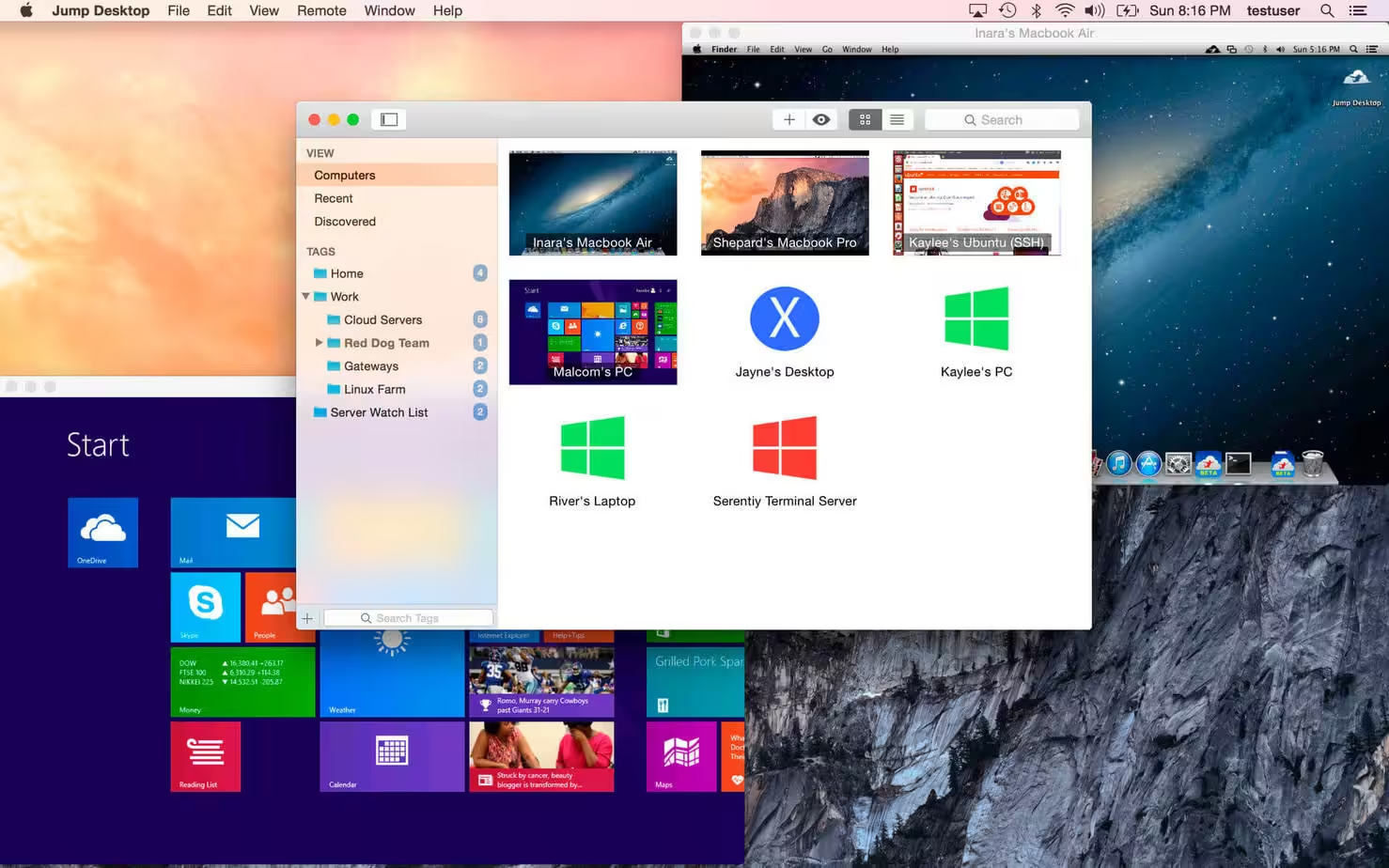
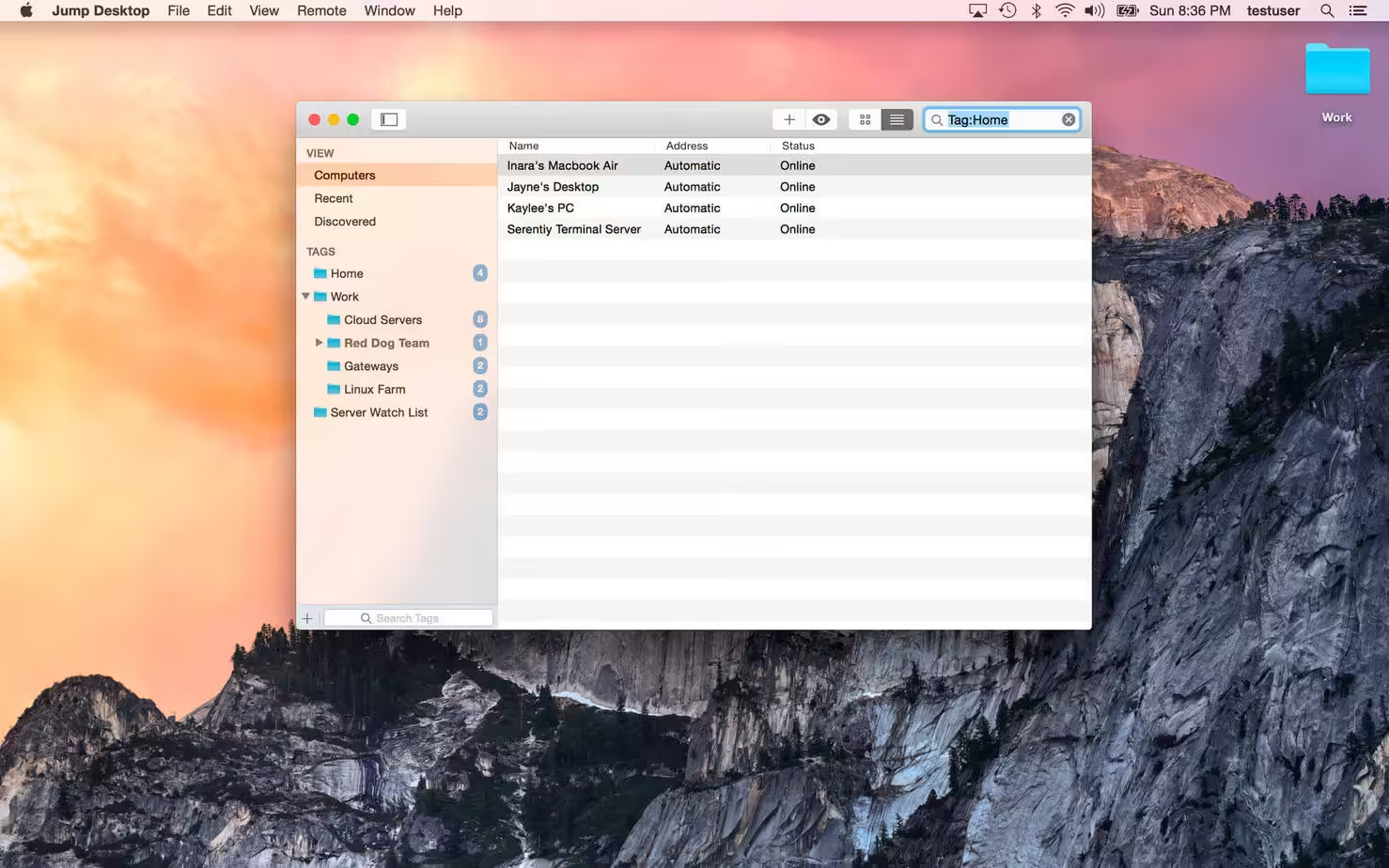
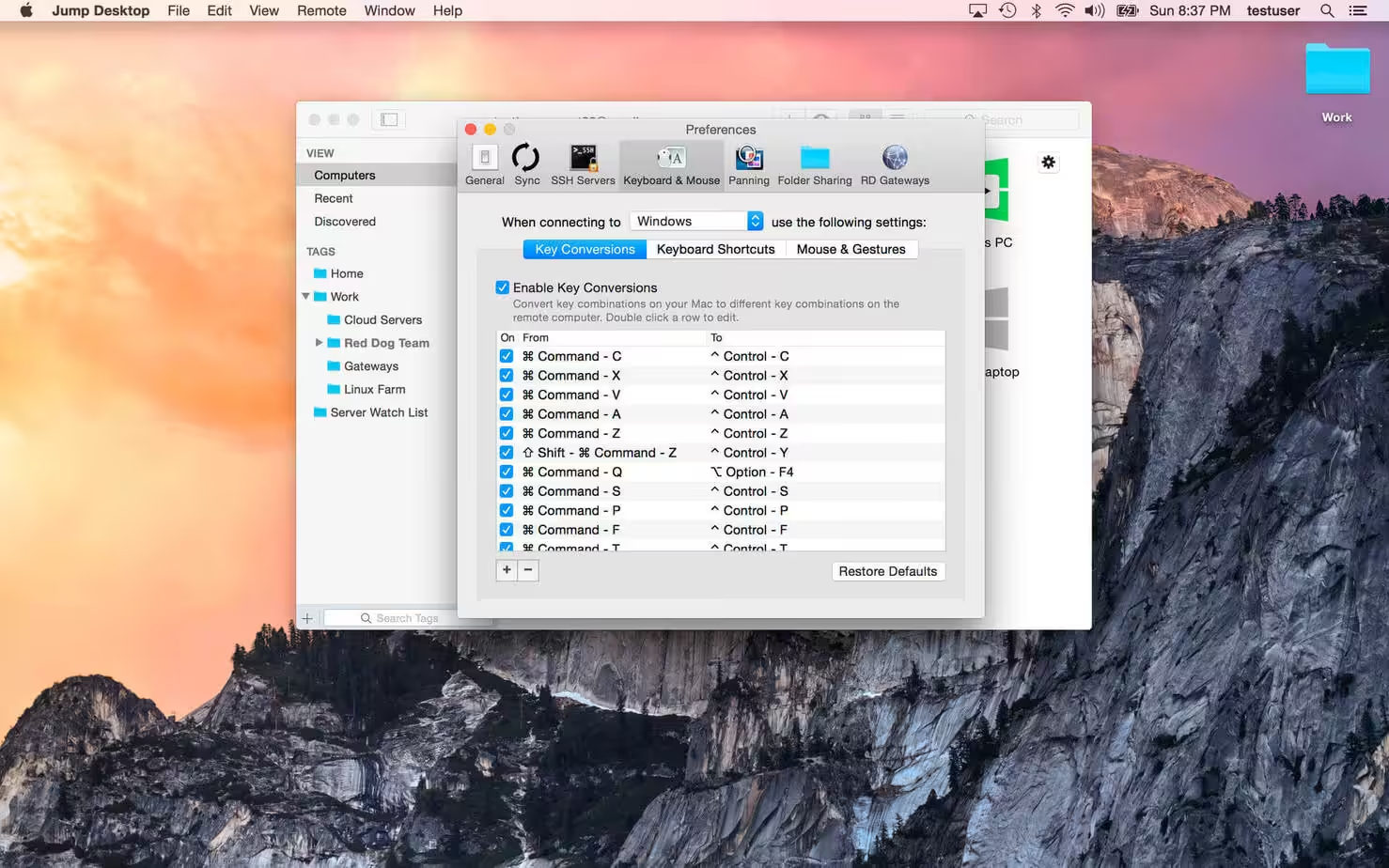
Jump Desktop is the best remote desktop client on the Mac. With features built from the ground up to increase productivity, Jump is a must-have. The unique keyboard remapping feature enables you to use Mac shortcuts on Windows, allowing you to achieve maximum productivity during long remote desktop sessions. Live Previews help you keep an eye on all your machines.
Features
- Supercharge Your Productivity: Utilise Mac Keyboard Shortcuts in Windows. Seamlessly switch between computers without changing the way you use the keyboard. Vastly improves productivity. Fully customizable: Configure your own shortcuts or use the built-in defaults. No other app comes close.
- Automatic setup for desktops: Utilise this comprehensive VNC/RDP client app to connect to RDP or VNC servers quickly. Alternatively, make any computer easily accessible by installing the satellite app, Jump Desktop Connect, on it. You may choose to sign in with a Google account or with any other email, thus linking your machines together.
- Little impact on your machine’s battery: Being nicely integrated into macOS, launching remote connections with this app is fast and seamless. Now, with the app constantly running, it has little impact on your Mac’s battery. Basically, working on a remote computer won’t compromise your Mac’s performance in any way.
- Ultimate keyboard remapping: A keyboard remapping feature is a nice option for any avid Mac user. Adjust the settings to your liking and remap the keys in any way you prefer. If you wish, you can easily set Mac shortcuts on Windows or vice versa, as needed.
- Snap access to other computers to help: Are you halfway across the country when emergencies arise? Can’t pop round and help a friend or family member out with their modern-day struggles? Accessing Macs, PCs, or any VNC servers is nearly effortless with Jump Desktop.
- A VNC viewer you will actually like: Install the app on your Mac, connect and control any other computer while you’re outdoors. Preview every item on the machine’s desktop and easily interact with any elements. Feels like you’re actually at that computer even when you’re away from it.
- Great experience with no networking skills: You don’t need to have any special networking knowledge to use this remote control Mac utility. Yes, it’s relatively straightforward, consistent, and simple. Additionally, it offers outstanding dependability and rarely chokes, even with a poor connection. It surely won’t take long to get started.
What's New
November 9, 2026- Video stutter fixes when sending microphone output to the host machine
- Audio stability
Recent posts
See all ›
Compress Any Video PRO
v2.1 · Updated Nov 24, 2026

GraphicConverter 11.6.1 (5487)
v11.6.1.5487 · Updated Nov 24, 2026

Adobe Acrobat DC Pro 2022.001.20112
v2022.001.20112 · Updated Nov 24, 2026

Maxon Cinema 4D R26.
v013 · Updated Nov 24, 2026

Luminar Neo 1.0.5 (11374)
v1.0.5.11374 · Updated Nov 24, 2026

Sip 4.0.0
Updated Nov 24, 2026
Version history
More apps for you
See all System Utilities ›





Ratings & Reviews
(19 ratings)Reportar Enlace Caído
Jump Desktop · v10.15.46
¡Reporte Enviado con Éxito!
Hemos notificado al equipo técnico. Revisaremos el enlace y lo actualizaremos a la mayor brevedad.