
Screenshots
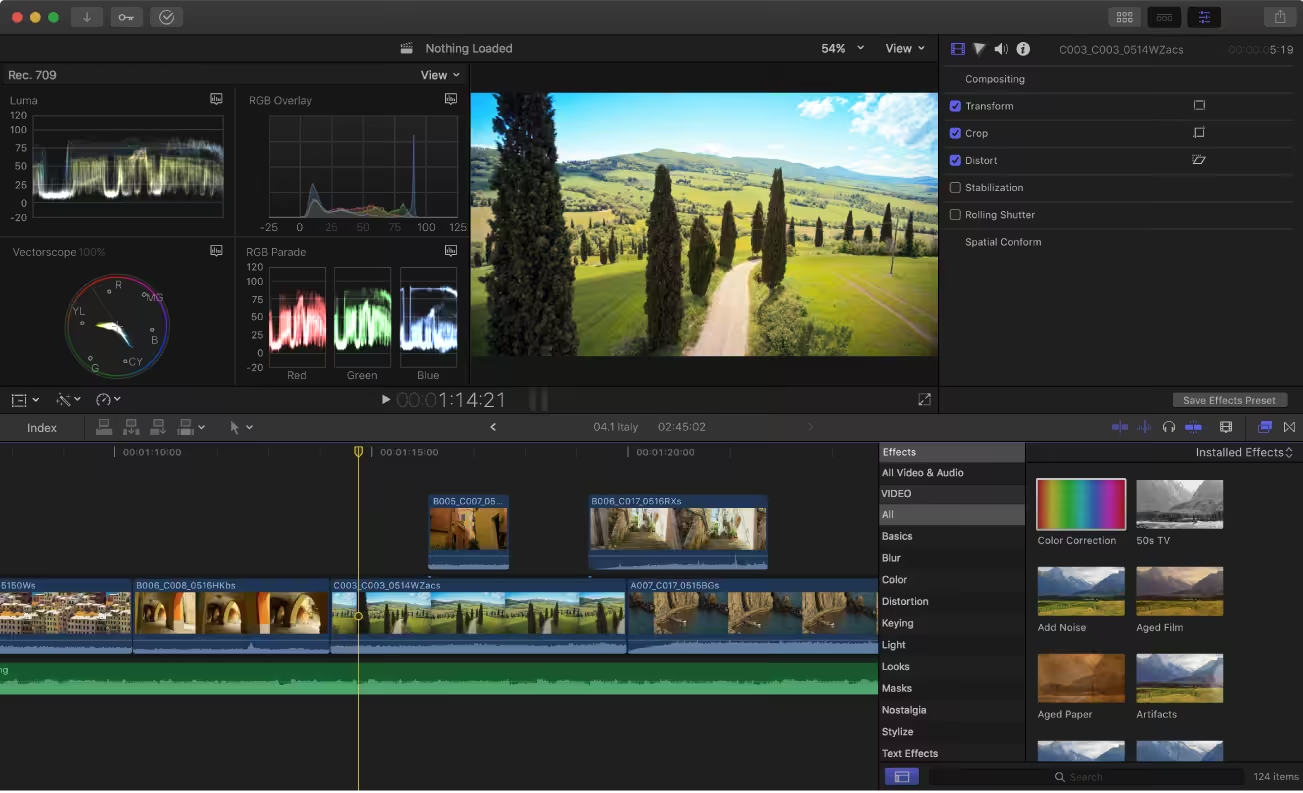
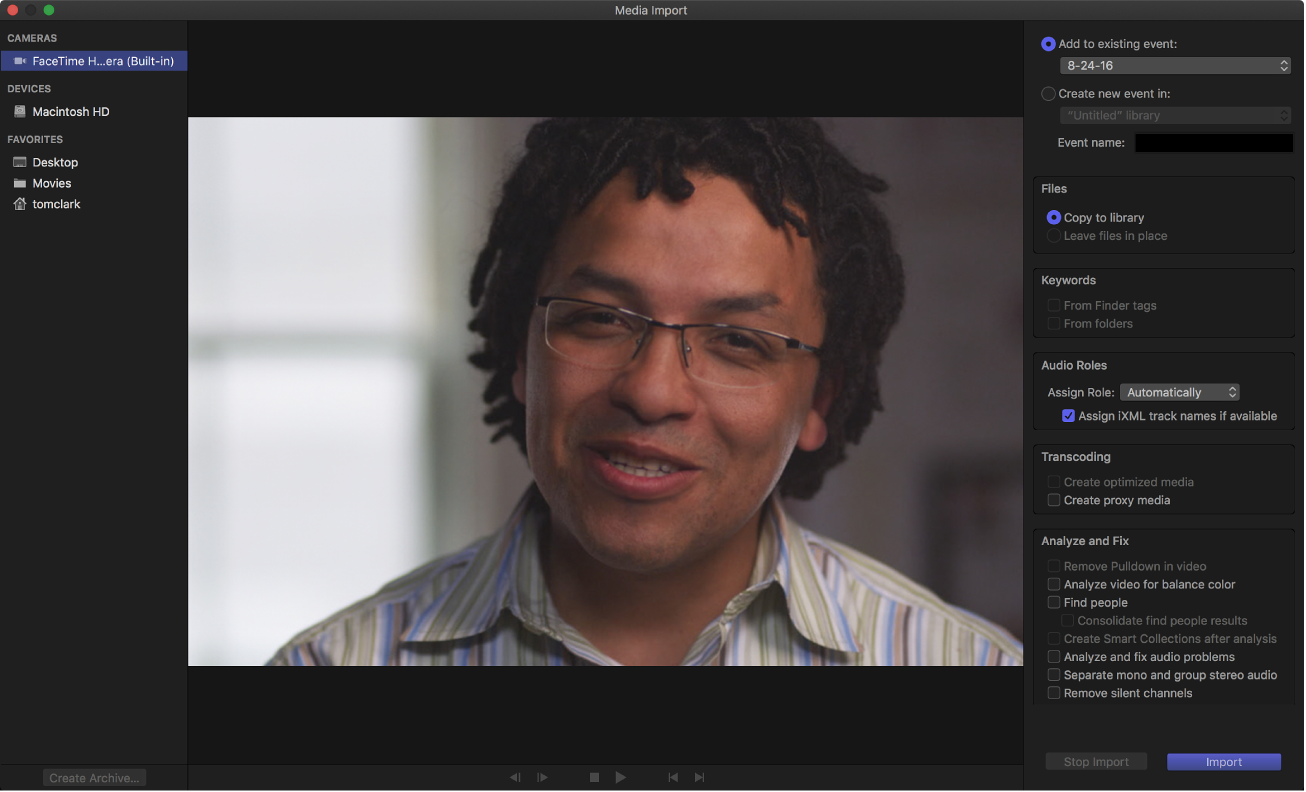
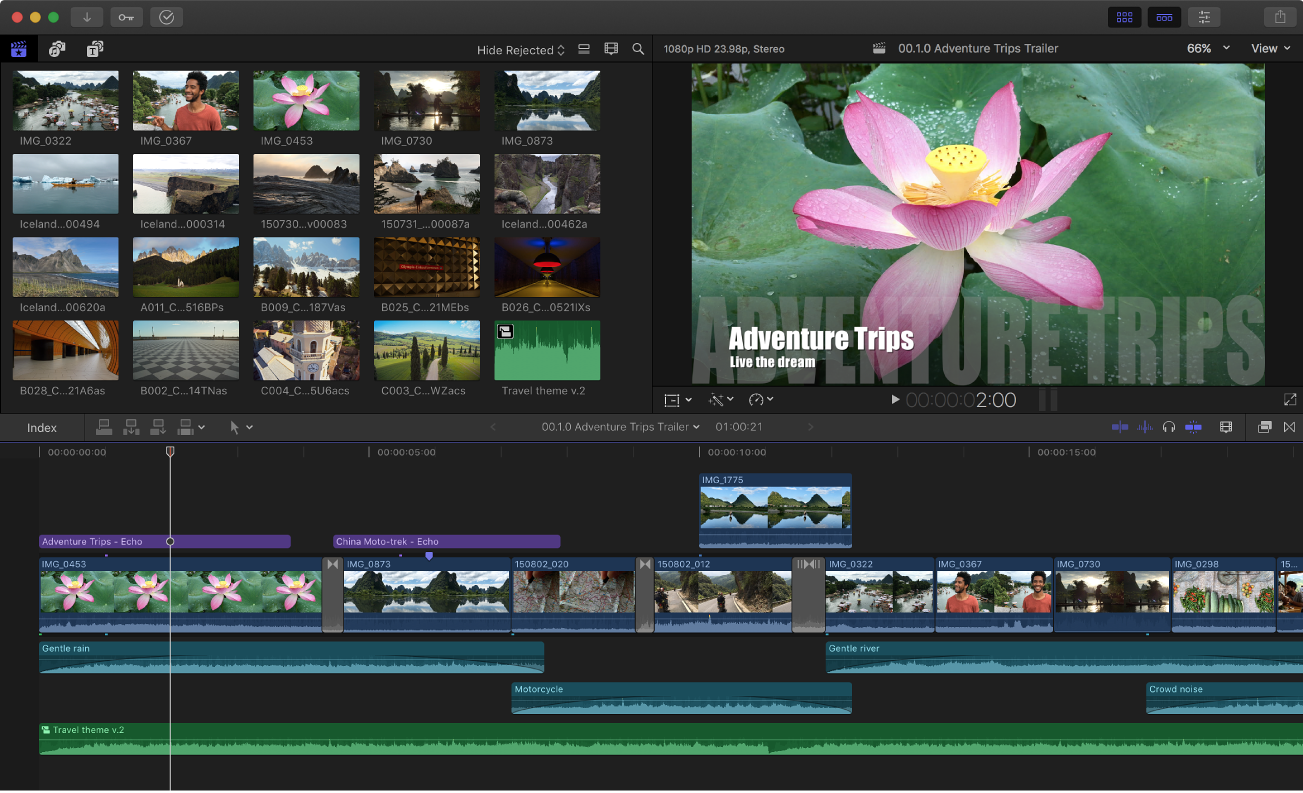
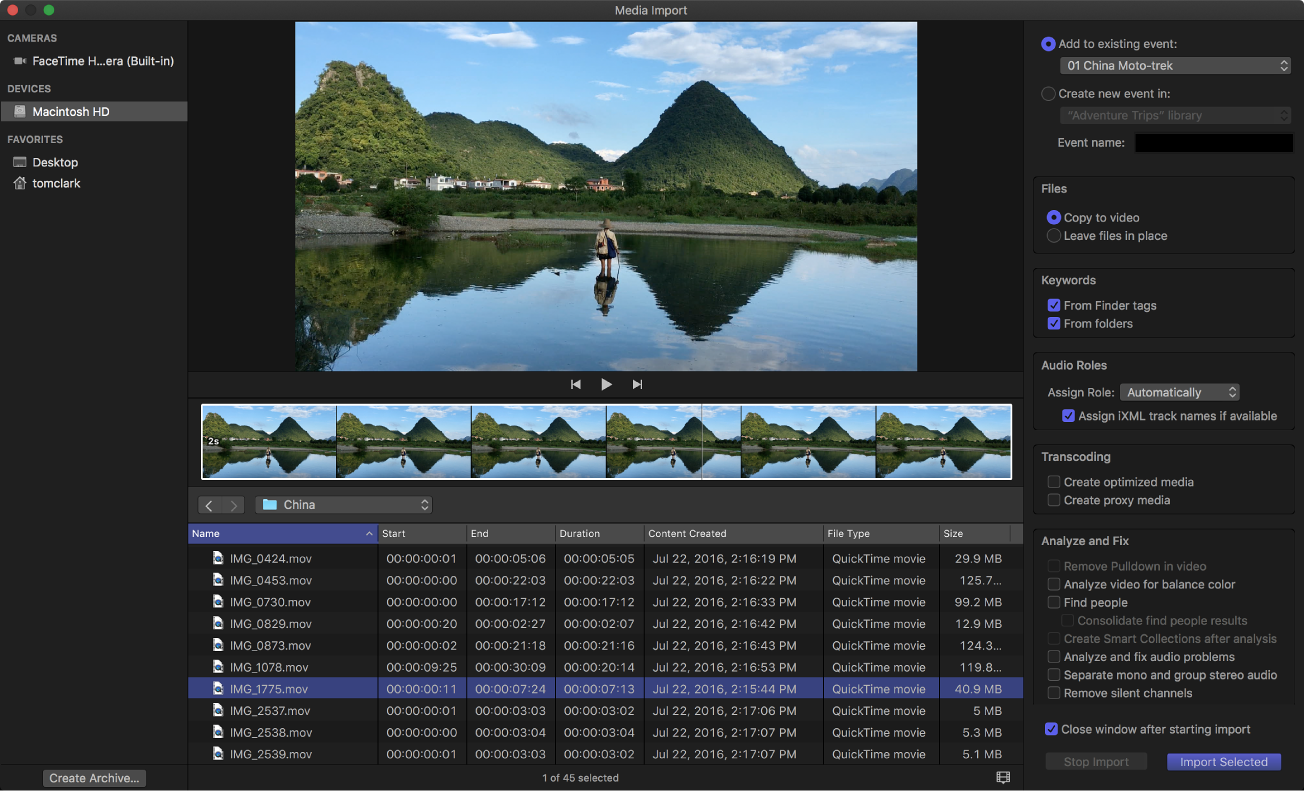
Final Cut Pro 13.0 is Apple’s professional nonlinear video editor, built for fast, fluid storytelling with a magnetic timeline, powerful media organization, and cinematic finishing tools. Optimized for Apple Silicon, it delivers responsive 4K/8K editing, smooth exports, and reliable playback from import to delivery. Explore more macOS System Utilities for essential Mac workflow tools.
Features
- Magnetic Timeline: Clips snap into place, preventing gaps and keeping rough cuts fluid while you trim and rearrange footage.
- Connected Clip Control: Anchor B-roll, titles, and effects to specific frames without drift as you restructure the primary storyline.
- Spoken Word Search: Search spoken words in indexed transcripts to find one quote inside hours of interview footage.
- Pro Format Support: Edit native camera files, proxies, and stills with broad codec support for smooth import and playback.
- Viewer Exposure Scopes: Judge exposure and safe areas in the viewer with scopes and overlays before exporting a master.
- Smart Keyword Filtering: Filter browser clips by keyword ranges, favorites, and ratings to locate the best takes fast.
- Apple Silicon Performance: Optimized for Apple Silicon to deliver responsive 4K/8K editing, smooth playback, and fast exports.
What's New
November 21, 2026Final Cut Pro 11 is faster and smarter than ever. Leverage new AI-enhanced tools, work faster with time-saving workflow improvements, and edit spatial video.
- Expand your creative freedom with the revolutionary AI-powered Magnetic Mask, and isolate people, objects and shapes in any footage without a green screen or time-consuming manual rotoscoping.
- Use Transcribe to Captions to automatically create captions from spoken audio in the timeline with a powerful AI language model built for speed and accuracy. (Requires a Mac with Apple silicon and macOS Sequoia or later.)
- Import and edit spatial video clips from Apple Vision Pro or iPhone 15 Pro or later; add titles, color correction, and effects; and share captivating spatial projects that can be viewed on Apple Vision Pro. (Requires a Mac with Apple silicon.)
- Reduce clutter in the browser by automatically hiding original clips when creating synced clips or multicam clips.
- Use Vertical Zoom to Fit to scale clip heights to fit in the timeline.
- Speed up your creative flow with new Picture in Picture and Callout effects.
- Create amazing visual reveals with new Modular transitions.
- Increase efficiency with new keyboard shortcuts for common tasks in the browser and timeline.
- Install third-party Media Extensions to support playback and editing of more video formats. (Requires macOS Sequoia or later.)
Recent posts
See all ›
Compress Any Video PRO
v2.1 · Updated Nov 24, 2026

GraphicConverter 11.6.1 (5487)
v11.6.1.5487 · Updated Nov 24, 2026

Adobe Acrobat DC Pro 2022.001.20112
v2022.001.20112 · Updated Nov 24, 2026

Maxon Cinema 4D R26.
v013 · Updated Nov 24, 2026

Luminar Neo 1.0.5 (11374)
v1.0.5.11374 · Updated Nov 24, 2026

Sip 4.0.0
Updated Nov 24, 2026
More apps for you
See all System Utilities ›





Ratings & Reviews
(1 rating)Reportar Enlace Caído
Final Cut Pro · v13.0
¡Reporte Enviado con Éxito!
Hemos notificado al equipo técnico. Revisaremos el enlace y lo actualizaremos a la mayor brevedad.